 Reviews on




You want to teach online. Maybe you have courses to sell, or you need to train your team. Maybe you are building a community around what you know. WordPress can handle all of that if you add the right LMS plugin to it.
LMS stands for Learning Management System. Basically, it is software that runs your entire online course operation. Your students log in, access their courses, watch videos, take tests, and get certificates. Everything happens in one place without you juggling multiple tools.
WordPress by itself is just a website builder. Add an LMS plugin, and it becomes something completely different. Suddenly, you have a full online learning platform. You can sell courses, manage students, track progress, and send emails, all from WordPress.
As a leading WordPress web development company, we have worked with businesses trying to launch online courses. Some started with free plugins and eventually paid for upgrades when they needed more. Others knew from the start they needed a serious solution and went with paid options. The right choice depends on what you are actually trying to do.
This post goes through the best WordPress LMS plugins out there right now. We cover free ones and paid ones. We talk about what makes each one work and where they struggle. By the end, you will know which plugin fits what you are building.
- LearnDash and LifterLMS are the most popular paid options. Both work well for selling courses and have strong communities.
- LearnPress and Good LMS are good free options if you want to start without spending money up front.
- Pick based on your budget, course complexity, and technical comfort level. The best plugin is the one that fits your situation.
- Try the free version first before committing. Most plugins let you test before you decide.
- Popular plugins like LearnDash, LifterLMS, and Tutor LMS handle most business needs well. Simpler plugins work fine for basic courses.
What is an LMS Plugin in WordPress?
An LMS plugin basically transforms WordPress into an online school. Without it, WordPress is just a website builder. Add an LMS, and suddenly you can build courses, manage students, track progress, and make money from teaching.
You install the plugin and start creating courses with it. Each course breaks down into lessons. Inside those lessons, you add videos, text, quizzes, and assignments. A student signs up and works through at their own pace. They take tests, get graded, and earn certificates when done.
Behind the scenes, the plugin does the heavy lifting. It knows which student finished which lesson. It calculates their grades automatically. It keeps track of all student accounts. It can send emails reminding students to finish or congratulating them when they complete a course. You set it up once, and it runs itself.
If you want to charge for courses, the LMS handles that too. You can sell access through the plugin, and it processes payments. Students pay and immediately get access to their course.
Every LMS plugin is different. Some are bare bones and simple. Some have tons of advanced features for enterprise training. Some focus on building courses. Some focus on building community. You choose based on what you are actually trying to do.
The real benefit is ownership. Your site is yours. Your courses are yours. Your student data is yours. You are not renting from a company that could change its prices tomorrow or go out of business. That control matters if you are serious about teaching online.
Why Use an LMS Plugin for Your Website?
- Everything in one place: Your website, courses, students, and payments all live in WordPress. One dashboard instead of juggling multiple platforms.
- You own your platform: Third-party course sites own your data and take a commission. With WordPress, you control everything and keep 100% of revenue.
- Full customization: Modify the design, add custom features, and integrate with other tools you use instead of being limited by a platform.
- Lower costs: Most LMS plugins cost less than Teachable or Udemy, and you do not pay commission on every sale.
- You set the rules: Decide pricing, run promotions, offer payment plans, and make your own business decisions.
- Build community: Discussion forums, student groups, and interactive features create engagement beyond just content delivery.
Key Features to Look for in a WordPress LMS Plugin
Not every LMS plugin has the same features. Some are bare bones. Some are loaded. Here is what actually matters when you are picking one.
Course Creation Tools: You need to build courses without pulling your hair out. Can you create lessons and organize them? Can you add videos, text, and quizzes all in one place? If the course builder is confusing, you will hate using it every day.
Student Tracking: Student tracking matters. The plugin should show you who is enrolled and where they are in the course. If someone is stuck on lesson three, you should be able to see that. Good tracking helps you know what is working and what is not.
Quizzes and Assessments: Quizzes matter if you are testing people. Can you create different types of questions? Does it grade automatically? Can students retake tests? These details make a difference for actual learning.
Certificates: Certificates feel nice when students finish. They motivate people to actually complete the course. Make sure the plugin lets you customize them and add student names and dates.
Payment Processing: If you are selling courses, payment processing has to work. Stripe, PayPal, all of it should integrate smoothly. Refunds should be straightforward. You do not want payment headaches.
Drip Content: Drip content lets you release lessons on a schedule instead of giving everything away at once. Students stay engaged when they have to wait for the next lesson. Some plugins do this better than others.
Community Features: Discussion forums and community features keep people engaged. Isolation makes people quit. Community makes people stay.
Mobile Responsiveness: Mobile has to work. Your students are learning on phones. The plugin needs to handle that.
WordPress Integration: It should work with WordPress without breaking things. No crazy conflicts with your other plugins.
11 Best LMS Plugins for WordPress (Free & Paid)
Choose from free and paid options that fit your budget and course-building needs.
1. LearnDash

LearnDash lets you run courses on your WordPress site instead of using another platform. You build your lessons, set up payment processing through Stripe or PayPal, and your students complete the course and get a certificate when done. You can see who finished and who dropped out, so you know what is working.
Key Features:
- Drag-and-drop course builder
- Drip-feed content on a schedule
- Quizzes and assignments
- Certificates upon completion
- Student progress tracking
- Discussion forums
- Payment gateway integration (Stripe, PayPal)
- Email notifications
- Course prerequisites
- Video hosting support
Pricing:
Free version with basic features. Pro plans start at $199/year for one site. Higher plans for multiple sites.
Pros and Cons:
| Pros | Cons |
|---|---|
|
|
Best For:
Businesses selling courses, corporate training, and educational institutions.
2. LifterLMS
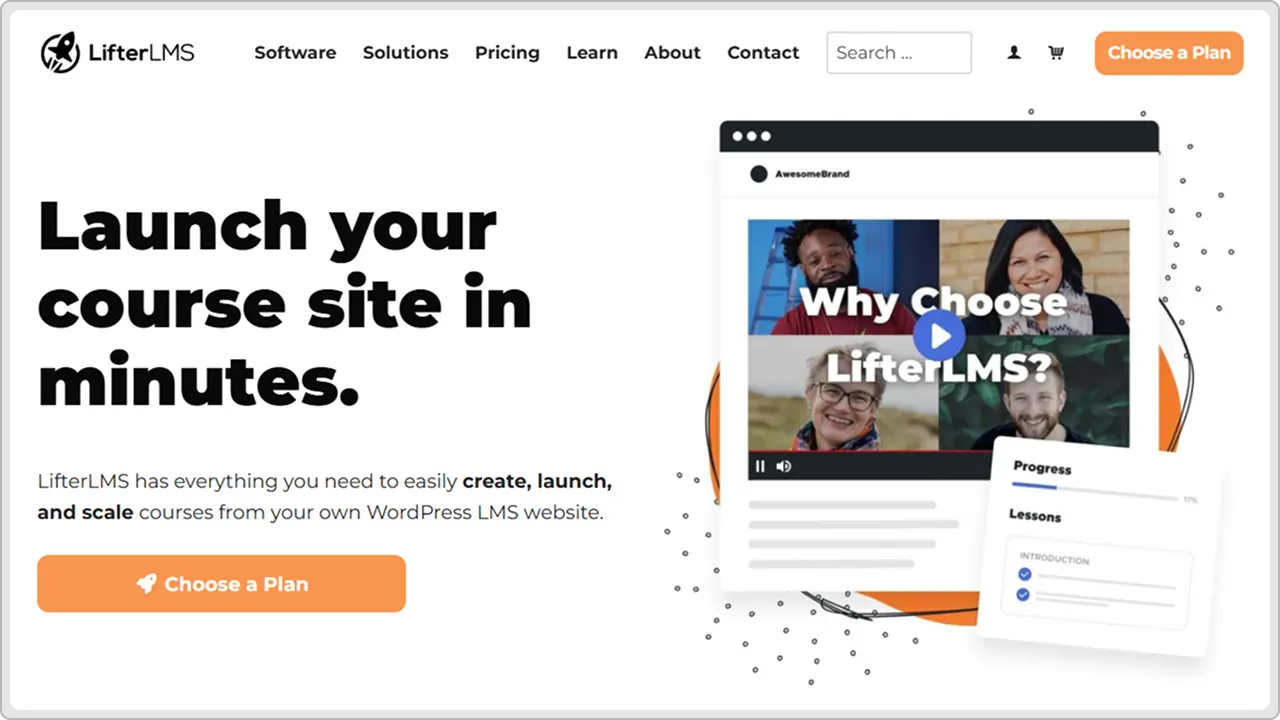
LifterLMS is popular with people who are new to selling courses online. The whole thing is designed to feel simple. You don’t have to learn a bunch of technical stuff. Create your course content. Students enroll. You get paid. Everything works together without complications.
Key Features:
- Intuitive course builder
- Student progress tracking
- Quizzes with multiple question types
- Certificates and badges
- Drip-feed content
- Email automations
- Payment processing integration
- Community discussion forums
- Course bundles
- Email notifications
Pricing:
Free version with basic features. Premium plans start at $199/year. Higher tiers for advanced functionality.
Pros and Cons:
| Pros | Cons |
|---|---|
|
|
Best For:
Solo course creators, small training businesses, and people starting with online courses.
3. Tutor LMS

Tutor LMS is a powerful plugin that works well for building serious online courses. It has a lot of features built in and handles complex course structures. You can sell courses, manage instructors, process payments, and build a whole learning community all from WordPress.
Key Features:
- Advanced course builder with multiple layouts
- Student and instructor management
- Multiple instructor support
- Quizzes with various question types
- Assignments and grading
- Certificates and badges
- Discussion forums
- Payment gateway integration
- Email notifications
- Course prerequisites and dependencies
Pricing:
Free version with core features. Premium plans start at $199/year for a single site. Agency and reseller plans available.
Pros and Cons:
| Pros | Cons |
|---|---|
|
|
Best For:
Complex training programs, multi-instructor platforms, educational institutions, and corporate training.
4. LearnPress
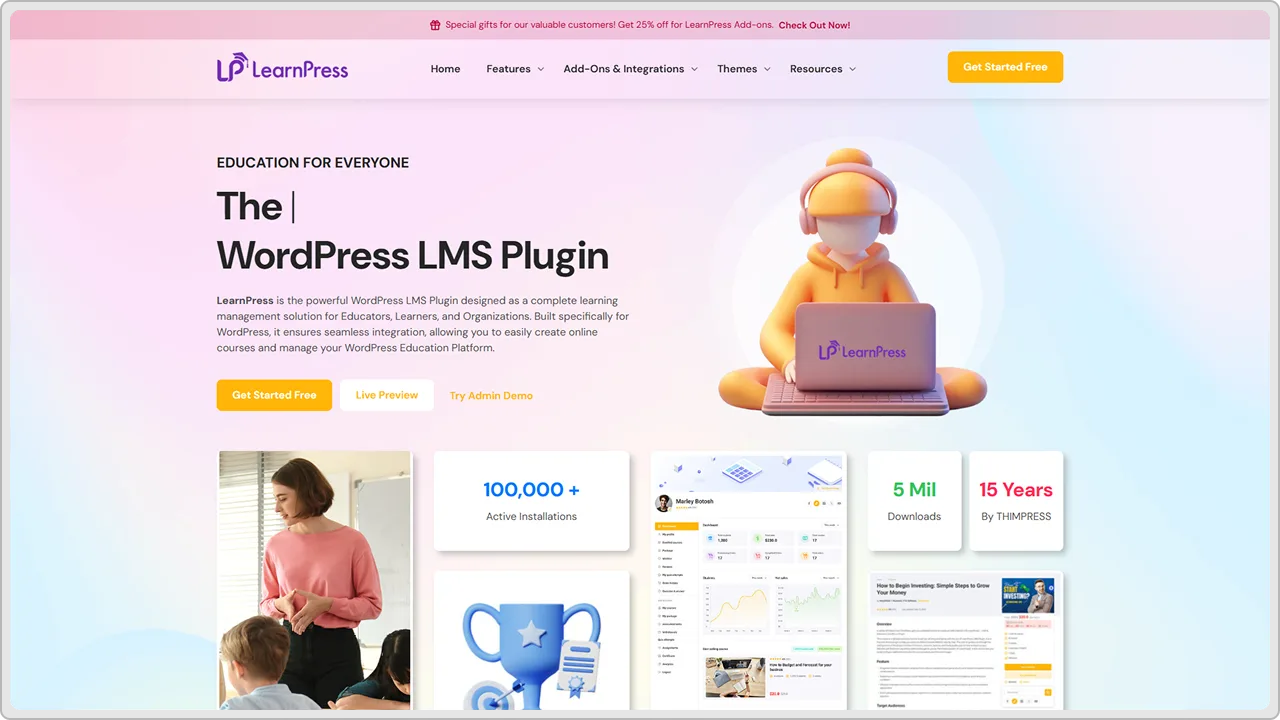
LearnPress doesn’t cost anything. You get courses, student management, quizzes, and payments. No subscription fee. Add-ons exist if you want more later, but you can do a lot with just the free version and save money doing it.
Key Features:
- Course builder with drag-and-drop
- Student progress tracking
- Quizzes and questions bank
- Certificates
- Payment gateway integration
- Email notifications
- Discussion forums
- Course bundles
- Drip-feed content
- Multi-instructor support
Pricing:
Free plugin with all basic features. Premium add-ons are available starting around $99/year.
Pros and Cons:
| Pros | Cons |
|---|---|
|
|
Best For:
Budget-conscious course creators, small businesses, and people testing online courses before investing.
5. Sensei LMS

Sensei is made by the people who run WordPress.com. It works really well with WordPress because it is built to do that. You get course management, student tracking, and payments through WooCommerce. It is reliable and stable without a lot of extra stuff you don’t need.
Key Features:
- Course builder integrated with WordPress editor
- Student progress tracking
- Quizzes and assessments
- Certificates upon completion
- Email notifications
- Discussion functionality
- Student management
- Course prerequisites
- Extensible with hooks and filters
- WooCommerce integration for payments
Pricing:
Free version available. Premium plans start at $199/year for advanced features.
Pros and Cons:
| Pros | Cons |
|---|---|
|
|
Best For:
WordPress-first organizations, businesses using WooCommerce, and companies wanting native WordPress integration.
6. WP Courseware
WP Courseware is straightforward. You build a course, students sign up, and you track who finishes. It has been around forever, so it is stable. Nothing fancy, but it works. Good if you want something that just does the job without too many bells and whistles.
Key Features:
- Simple course builder
- Drag-and-drop interface
- Student progress tracking
- Quizzes and exams
- Certificates
- Drip-feed lessons
- Email notifications
- Payment processing
- Discussion forums
- Course bundles
Pricing:
Free version with basic features. Premium plans start at $149/year for a single site.
Pros and Cons:
| Pros | Cons |
|---|---|
|
|
Best For:
Beginner course creators, simple training needs, people wanting ease of use over features.
7. MasterStudy LMS

MasterStudy LMS is packed with features and works well for building professional online schools. It handles multiple instructors, advanced course structures, and complex student management. If you need a lot of functionality, MasterStudy gives you options without forcing you to use things you do not need.
Key Features:
- Advanced course builder
- Multiple instructor support
- Student management system
- Quizzes with question banks
- Assignments and grading
- Certificates and badges
- Discussion forums
- Email automation
- Payment gateway integration
- Course prerequisites and dependencies
Pricing:
Free version with core features. Premium plans start at $249/year for a single site. Multi-site and agency plans available.
Pros and Cons:
| Pros | Cons |
|---|---|
|
|
Best For:
Complex training programs, online schools, multi-instructor platforms, educational institutions.
8. Teachable (WordPress Integration)

Teachable is not a WordPress plugin, but you can integrate it with your WordPress site. It is a hosted platform that handles all the course stuff for you. Your WordPress site stays as your main site, and Teachable runs your courses in the background. Good if you want someone else managing the course platform.
Key Features:
- Hosted course platform
- Student management
- Quizzes and assessments
- Certificates
- Email automation
- Payment processing built-in
- Discussion forums
- Affiliate program support
- Mobile app for students
- WordPress integration via embed
Pricing:
Plans start at $99/month. Percentage commission on course sales also applies.
Pros and Cons:
| Pros | Cons |
|---|---|
|
|
Best For:
Course creators wanting a managed solution, people not wanting technical overhead, and established course businesses.
9. MemberPress Courses
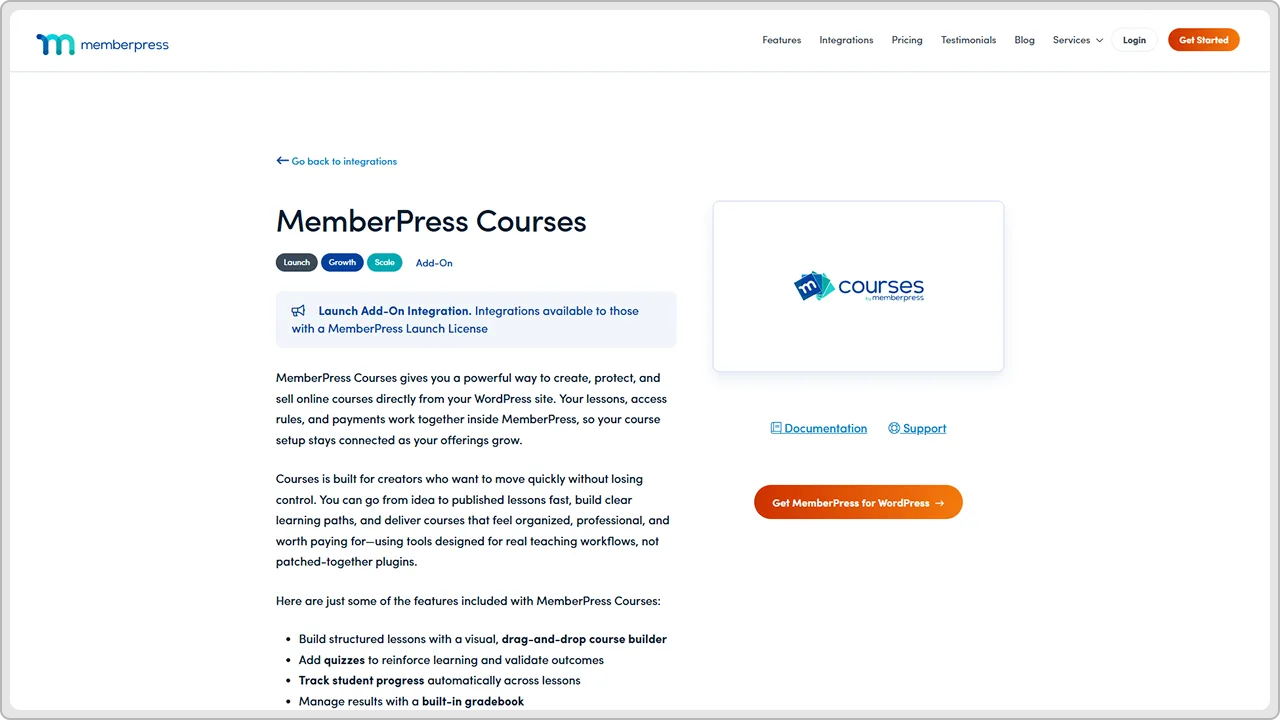
MemberPress Courses is part of the larger MemberPress membership plugin ecosystem. It focuses on building membership communities with course content. If you want a membership site where members access courses, MemberPress handles that integration well.
Key Features:
- Course content management
- Membership integration
- Drip-feed content
- Quizzes and assessments
- Certificates
- Student progress tracking
- Email notifications
- Payment processing
- Community forums
- Integration with MemberPress membership
Pricing:
MemberPress plugin required. Plans start at $149/year. Courses are included with certain plans.
Pros and Cons:
| Pros | Cons |
|---|---|
|
|
Best For:
Membership communities with courses, subscription-based learning, and communities wanting course content for members.
10. Good LMS

A good LMS keeps things simple. You build courses, students take them, and you track who finishes. That is it. No crazy features you do not need.
Key Features:
- Basic course builder
- Lesson management
- Quizzes and tests
- Student progress tracking
- Certificates
- Email notifications
- Simple student management
- Course access control
- Discussion forums
- Affordable pricing
Pricing:
Free version available. Premium plans start at $99/year.
Pros and Cons:
| Pros | Cons |
|---|---|
|
|
Best For:
Budget course creators, simple online courses, beginners, and small training programs.
11. Namaste! LMS
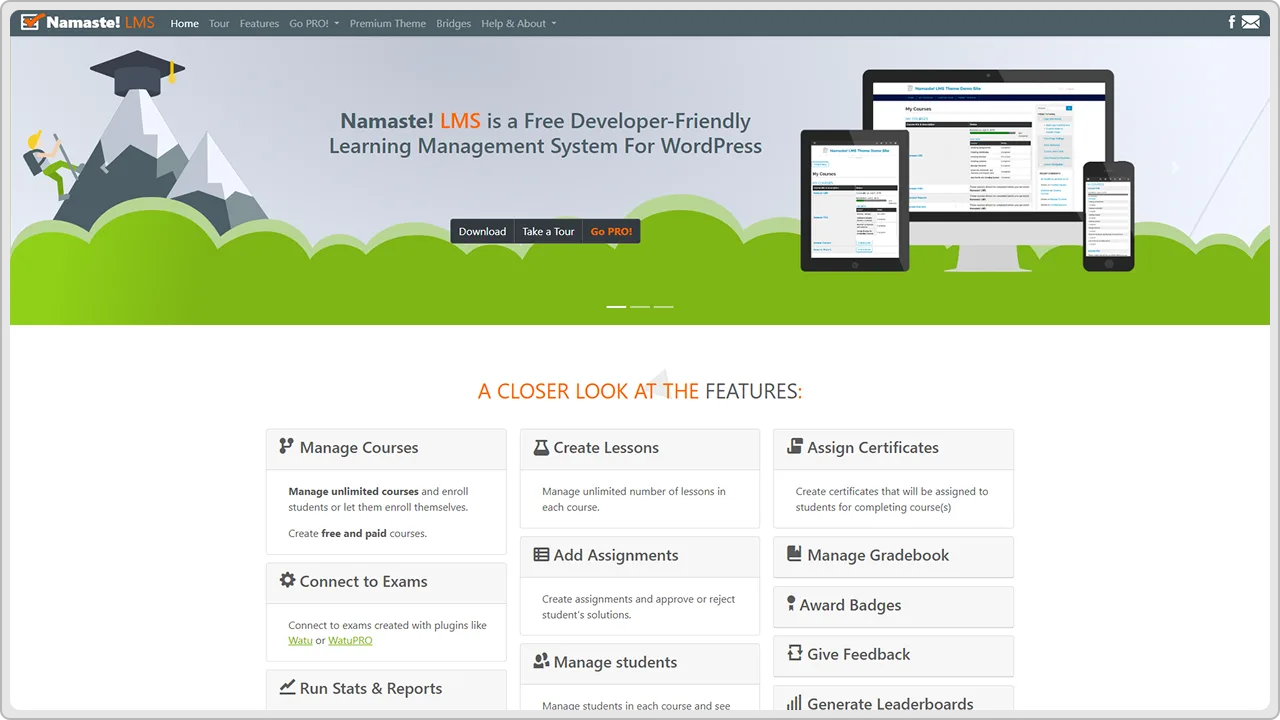
Namaste! LMS is minimal and lightweight. You build a course, students take it, and you track progress. No bloat. No unnecessary features.
Key Features:
- Lightweight course builder
- Student enrollment management
- Lesson organization
- Quizzes and questions
- Certificates
- Student progress tracking
- Email notifications
- Simple interface
- Drip-feed content
- Discussion forums
Pricing:
Free version with core features. Premium add-ons are available starting at $49/year.
Pros and Cons:
| Pros | Cons |
|---|---|
|
|
Best For:
Minimalist course creators, simple online training, free or low-cost courses, and beginners.
How to Choose the Right LMS Plugin for Your Needs
- You need to find the right plugin for you, not just the best plugin overall.
- Start with money: How much can you spend? Some are free. Some cost a lot. Figure that out first, so you do not waste time looking at stuff you cannot afford.
- What are you teaching? One course or ten? Simple stuff or complex? If it is basic, you do not need fancy features. If it is complicated, you need more power.
- Be real about yourself: Can you handle technical stuff, or do you need something simple? Some plugins need setup work. Some just work. Know which one you are.
- Think ahead: Where will your course business be in a year or two? If you are just testing, free is fine. If you are serious about growth, pick something that can scale.
- Does the plugin have good help? Forums? Documentation? A support team? Something with community and support is worth paying for because you will need help.
- Try it first: Most plugins let you test for free. Build a dummy course. See how it actually feels to use. Reading about it is not the same as using it.
- Do you need to sell courses? Which payment processors do you use? Make sure the plugin handles your specific payment stuff.
- Will it work with your other tools? Your email system? Your CRM? Your other plugins? Everything needs to talk together, or you end up frustrated.
LMS Plugin Comparison Table (Features, Pricing, Ease of Use)
| Plugin | Price | Best For | Ease of Use | Key Strength |
|---|---|---|---|---|
| LearnDash | $199/year | Businesses selling courses | Moderate | Powerful course building |
| LifterLMS | $199/year | Solo creators | Easy | Beginner-friendly |
| Tutor LMS | $199/year | Complex courses | Moderate | Multi-instructor support |
| LearnPress | Free / $99/year | Budget-conscious | Easy | Free with solid features |
| Sensei LMS | Free / $199/year | WordPress-first | Moderate | Native WordPress integration |
| WP Courseware | $149/year | Simple courses | Very Easy | Straightforward setup |
| MasterStudy LMS | $249/year | Online schools | Moderate | Feature-rich platform |
| Teachable | $99/month | Managed solution | Very Easy | Fully hosted, no setup |
| MemberPress Courses | $149/year | Memberships | Moderate | Membership integration |
| Good LMS | $99/year | Budget courses | Very Easy | Lightweight and simple |
| Namaste! LMS | $49/year | Minimalist | Very Easy | Minimal bloat |
Which LMS Plugin is Best for You?
There is no single best LMS plugin. The right one depends on your specific situation and what you are trying to accomplish.
- Pick LearnDash or LifterLMS if you are selling courses and want a solid, established plugin with good support. Both have huge communities and tons of resources available.
- Go with LearnPress or Good LMS if you are watching your budget and want to start free or cheaply. You get basic functionality without spending money up front.
- Choose Tutor LMS or MasterStudy LMS if you are building something complex with multiple courses and instructors. You need the power and flexibility these offer.
- Use Sensei LMS if WordPress integration matters to you. It works seamlessly with the WordPress ecosystem, which some people prefer.
- Pick MemberPress Courses if you are building a membership community with course content. The integration between membership and courses is really tight.
- Try WP Courseware or Good LMS if you want simplicity above all else. These plugins stay out of the way and let you focus on teaching.
- Consider Teachable if you do not want to manage any technical stuff. Pay the monthly fee, and they handle everything for you.
The best approach is to start with a free version if available. Build a test course. See how it feels. You will know pretty quickly if it works for you or if you need something different.
We work with WordPress and LMS plugins all the time at cmsMinds. If you want help picking the right plugin or setting one up, reach out. We can point you in the right direction based on your specific needs.
cmsMinds helps you select the right LMS plugin and get everything running smoothly so you can focus on teaching.



