Reviews on





Writing code takes time. A lot of time, actually. Developers spend hours writing functions, fixing bugs, and testing code. What if AI could help? What if you could generate code faster? That is what AI code generators do.
We have tested AI code generators for WordPress. Some are really good. Some are honestly not that useful. Some save you hours of work. Some just waste your time.
The right tool can speed up web development. The wrong tool slows you down. You need to know which ones actually work for the WordPress ecosystem.
This guide covers WordPress AI code generators we actually tested. We use them for WordPress projects. We know what works and what does not. These are not random tools we found online. These are generators that actually help build WordPress sites faster.
- AI code generators save time by suggesting code as you type or when you ask.
- GitHub Copilot, Tabnine, and Claude AI are good options for WordPress developers.
- Free versions work fine for most developers. Test before paying for anything.
- AI generates code, but you still need to check it and make sure it works.
- Start with one tool and learn it well. Most get better the more you use them.
How We Selected the Best WordPress AI Code Generators
We picked AI coding tools based on real WordPress projects. Not just popular ones or ones with good marketing. The goal was to find tools that actually work for developers building WordPress sites.
Real time went into testing each tool. We built actual code with them to see if it worked. Testing showed whether developers could use it without spending hours fixing problems. Some tools generate garbage code, so we eliminated those immediately. Some are great, but not for WordPress, so those got skipped.
What matters most is what developers actually need. Speed matters because time is money. But code quality matters more because broken code costs way more time later. We focused on tools that generate both fast and usable code.
Each tool was tested on different WordPress sites. Functions, WordPress plugins, and custom code. We wanted to know what each handles well and where it falls short. Pricing matters too, since free tools work great if they’re good, but paid tools need to be worth the investment. We also checked if tools get updated regularly because old tools with no updates are risky.
15 Best WordPress AI Code Generators in 2026
We tested these tools, and they actually help developers build WordPress faster.
1. GitHub Copilot

GitHub Copilot is an AI tool that suggests code as you type. It works inside your code editor. You start typing, and it suggests what comes next. Sometimes the suggestions are perfect. Sometimes you need to modify them. It learns from millions of code examples, so it knows patterns and best practices. Works with WordPress development pretty well.
Key Features
- Real-time code suggestions as you type
- Supports multiple programming languages
- Understands context and project structure
- Can generate entire functions
- Works in VS Code and other editors
- Learns from your coding style over time
Pricing
Free trial available. $10/month for individuals. $19/month for business accounts.
| Pros | Cons |
|---|---|
|
|
2. Tabnine

Tabnine is an AI code completion tool that works in your editor. It predicts what code you need and suggests it. Works across different programming languages. Tabnine learns your coding style and adapts to it. For WordPress development, it handles PHP really well. It suggests functions, loops, and WordPress-specific patterns. The suggestions get better the more you use them.
Key Features
- AI-powered code completion
- Supports PHP and many other languages
- Works in multiple code editors
- Can generate code snippets and functions
- Learning models adapt to your style
- Works in offline or online mode
Pricing
Free version available with basic features. Pro version $12/month. Enterprise pricing available for teams.
| Pros | Cons |
|---|---|
|
|
3. Amazon CodeWhisperer
Amazon CodeWhisperer is AWS’s AI code generator. It suggests code as you type in your editor. Works with multiple programming languages, including PHP for WordPress. It understands your codebase and project context. Generates functions, loops, and complete code blocks. Integrates with popular IDEs and editors. Good for developers who work in the AWS ecosystem.
Key Features
- Real-time code suggestions
- Supports PHP, Python, Java, and more
- Security scanning for generated code
- Works in VS Code and JetBrains editors
- Reference tracking for code origin
- Free tier available
Pricing
Free tier with limited suggestions. Professional tier $19/month for individuals. Enterprise pricing is available for organizations.
| Pros | Cons |
|---|---|
|
|
4. Codeium
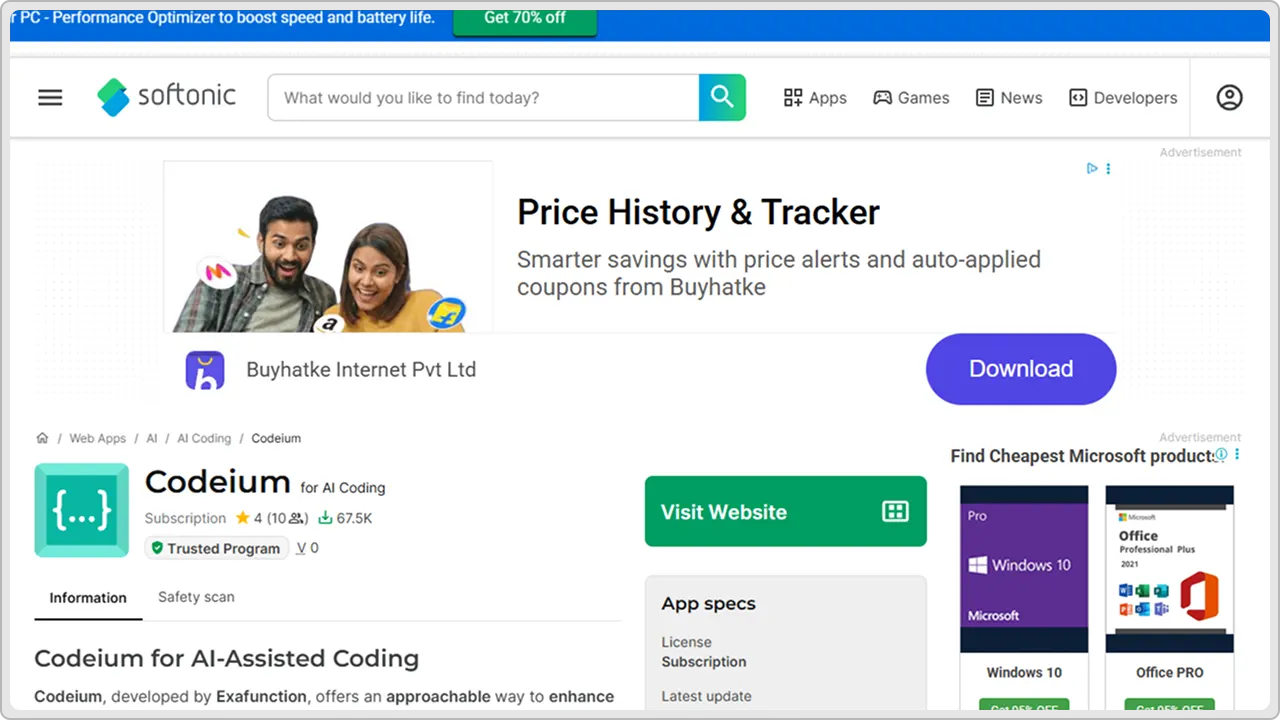
Codeium is a free AI code completion tool that works in your editor. Generates code suggestions as you type. Supports PHP and many other languages. Fast and responsive. Works offline. Does not require a subscription to get real value. Good option if you want AI code generation without paying monthly. The free version is actually powerful and useful for WordPress development.
Key Features
- AI code completion and generation
- Supports PHP and multiple languages
- Works in offline mode
- Available in VS Code and other editors
- Fast response times
- Free tier with full features
Pricing
Completely free for individuals. Pro plans are available for teams starting at $12/month.
| Pros | Cons |
|---|---|
|
|
5. Claude AI (Anthropic)
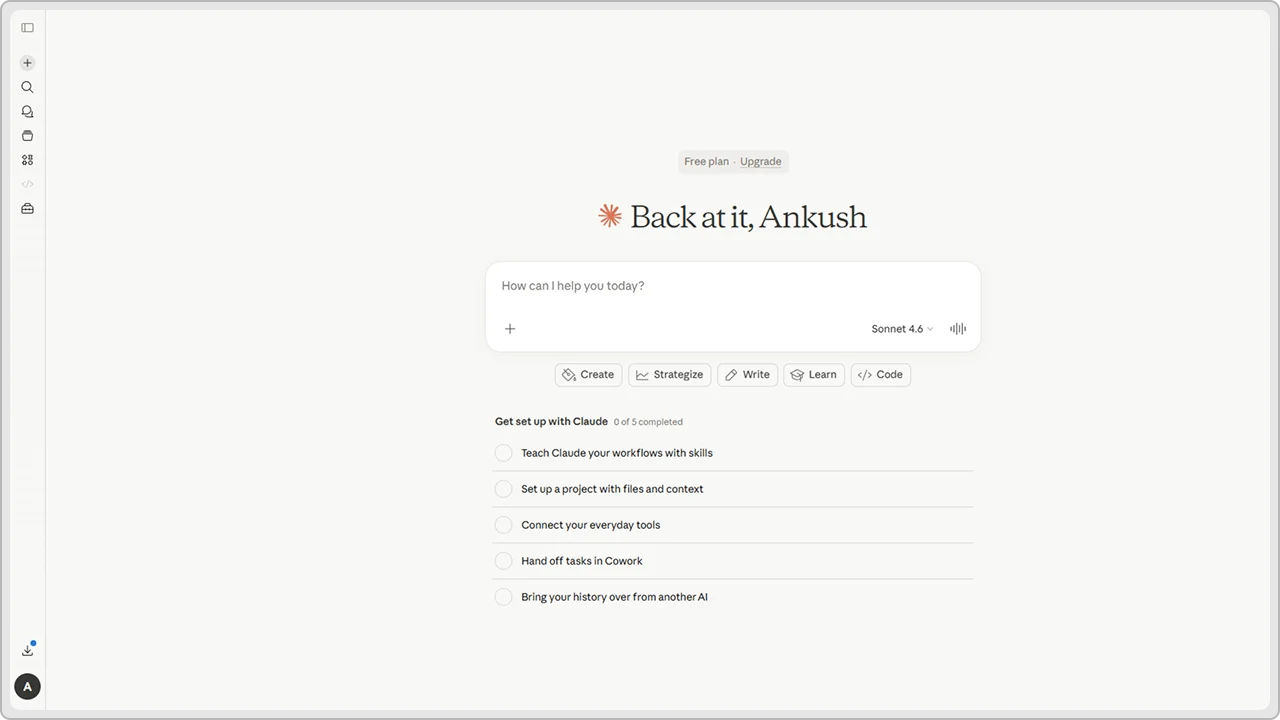
Claude AI is an advanced AI assistant that can generate code. You describe what you need, and Claude writes the code for you. Works for WordPress, PHP, JavaScript, and other languages. Good at understanding complex requirements. Can explain code and help debug. Not specifically a code editor tool, but it works through conversation. Useful for planning code and understanding how to build things.
Key Features
- Conversational code generation
- Supports multiple programming languages
- Can explain and debug code
- Understands context and requirements
- Generates comments and documentation
- Can refactor existing code
Pricing
Free version available with limited usage. Claude Pro $20/month for more access. API pricing available for developers.
| Pros | Cons |
|---|---|
|
|
6. OpenAI Codex
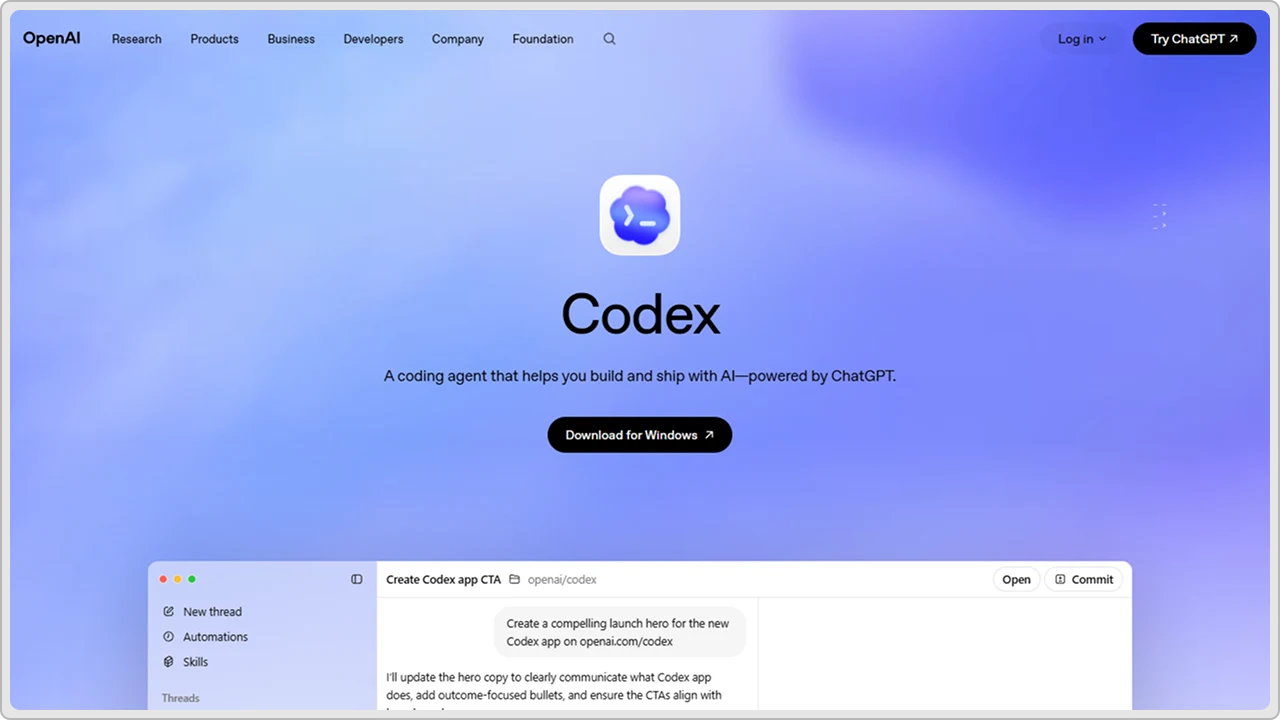
OpenAI Codex powers many code generation tools, including GitHub Copilot. It is the underlying AI model that understands code. You can access it directly through the API. Good for WordPress developers building custom tools. Understands PHP and generates WordPress-specific code. Can handle complex functions and logic. Requires technical setup, but very powerful for serious developers.
Key Features
- Advanced code generation and understanding
- Supports PHP, JavaScript, Python, and more
- API access for custom integration
- Can generate functions and entire files
- Understands WordPress patterns
- Continuous model improvements
Pricing
Pay-as-you-go API pricing. Starts around $0.02 per 1,000 tokens. Usage-based so you pay for what you use.
| Pros | Cons |
|---|---|
|
|
7. Replit Ghostwriter

Replit Ghostwriter is an AI tool built into the Replit coding platform. Generates code suggestions as you type. Works in the Replit online editor. Good for quick prototyping and learning. Supports multiple languages, including PHP. Does not require installing anything locally. Great if you like coding in the browser. Useful for WordPress developers who want a simple setup without complex installations.
Key Features
- AI code completion in browser
- Works in the Replit online editor
- Supports PHP and many languages
- Real-time code suggestions
- Can generate entire functions
- Integrated with Replit’s environment
Pricing
Free tier available with basic features. Replit Pro $7/month for more features and storage. Ghostwriter is included in the Pro plan.
| Pros | Cons |
|---|---|
|
|
8. Visual Studio IntelliCode

Microsoft built IntelliCode, and it comes in Visual Studio. While you type, it suggests code based on what you usually do. Works with PHP. Picks up on how your team codes and matches that style. Nothing to install since it is already there. WordPress developers using Visual Studio get this automatically.
Key Features
- AI code completion and suggestions
- Works in Visual Studio and VS Code
- Learns from your codebase
- Supports PHP, JavaScript, Python, and more
- Team-wide learning capabilities
- Built into Visual Studio
Pricing
Free with the Visual Studio Community edition. Included with Visual Studio Pro and Enterprise subscriptions. VS Code extension is free.
| Pros | Cons |
|---|---|
|
|
9. Codiga

Codiga is a static code analysis tool with real-time feedback in your IDE. The tool basically detects code issues, suggests fixes, and works across multiple platforms and IDEs. It’s good for WordPress developers who want continuous code quality monitoring.
Key Features
- Real-time code analysis in IDE
- Automatic code fixes
- Integrates with VS Code and JetBrains
- Works in GitHub and GitLab
- Code quality dashboard
Pricing
Free tier with basic analysis. Pro version $12/month for advanced features and team support.
| Pros | Cons |
|---|---|
|
|
10. Sourcegraph Cody

Sourcegraph Cody is an AI coding assistant that understands your entire codebase. Works in VS Code and other editors. Generates code based on your project structure and patterns. Good at finding relevant code snippets from your existing work. Helps WordPress users with WordPress development by understanding their theme and plugin code. Can explain code and suggest improvements. Integrates with Sourcegraph for code search and intelligence.
Key Features
- Understands entire codebase context
- AI code generation and completion
- Code explanation and documentation
- Works in VS Code and JetBrains
- Searches your codebase for patterns
- Supports PHP and multiple languages
Pricing
Free tier available with basic features. Pro version $9/month for individuals. Enterprise pricing for teams.
| Pros | Cons |
|---|---|
|
|
11. Amazon Q

Amazon Q is AWS’s newest AI coding assistant. Built on advanced language models. Works in your IDE and helps with code generation. Understands your codebase and project requirements. Good for PHP and WordPress development. Can answer coding questions and generate solutions. Integrates with VS Code and JetBrains editors. Focuses on helping developers write code faster and better.
Key Features
- AI coding assistant in your editor
- Code generation from descriptions
- Answers coding questions
- Understands project context
- Works with multiple languages
- Security scanning capabilities
Pricing
Free tier available with limited usage. $30/month for professional access. Enterprise pricing available.
| Pros | Cons |
|---|---|
|
|
12. Blackbox AI
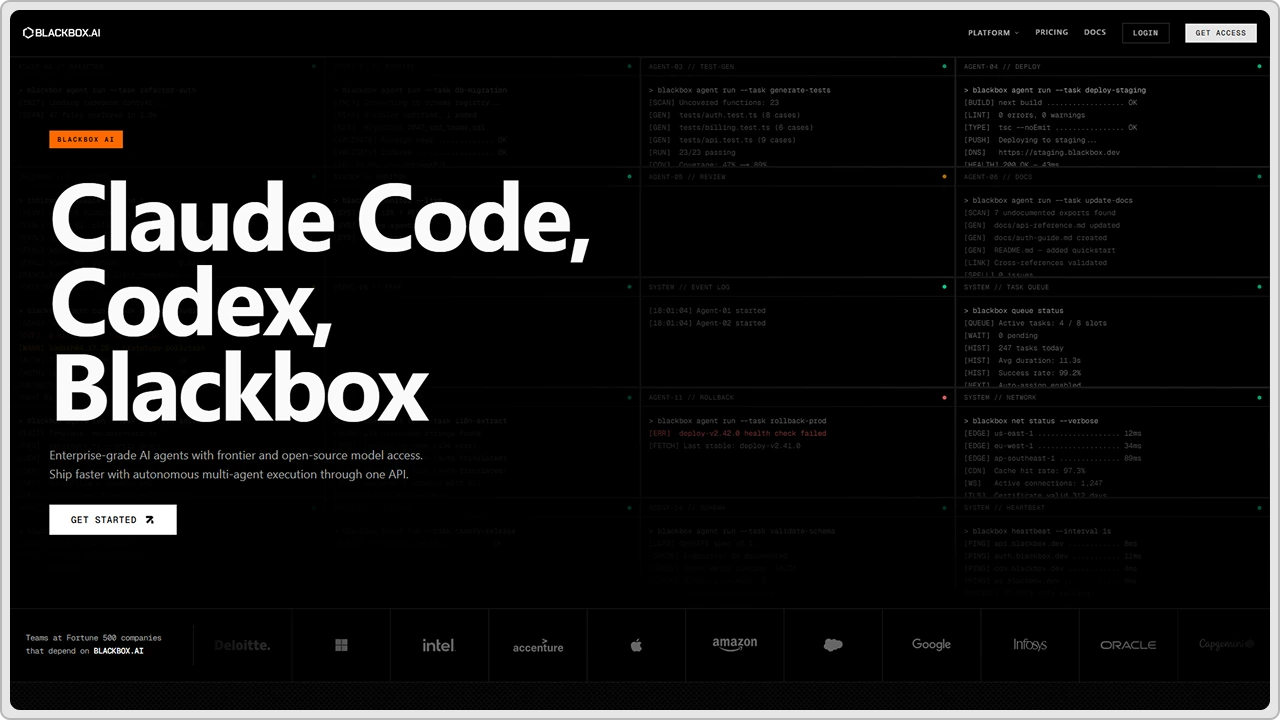
Blackbox AI is a code search and generation tool. Helps you find code examples and generates new code based on what you search for. Works for PHP and WordPress development. You describe what you need, and it finds or generates matching code. Integrates into VS Code and other editors. Good for learning and finding solutions to common WordPress problems quickly.
Key Features
- Code search and generation
- Works in VS Code extension
- Supports PHP and multiple languages
- Finds code examples online
- Generates code from descriptions
- Free and paid versions
Pricing
Free tier with basic features. Pro version $10/month for more generations and priority support.
| Pros | Cons |
|---|---|
|
|
13. Pieces for Developers
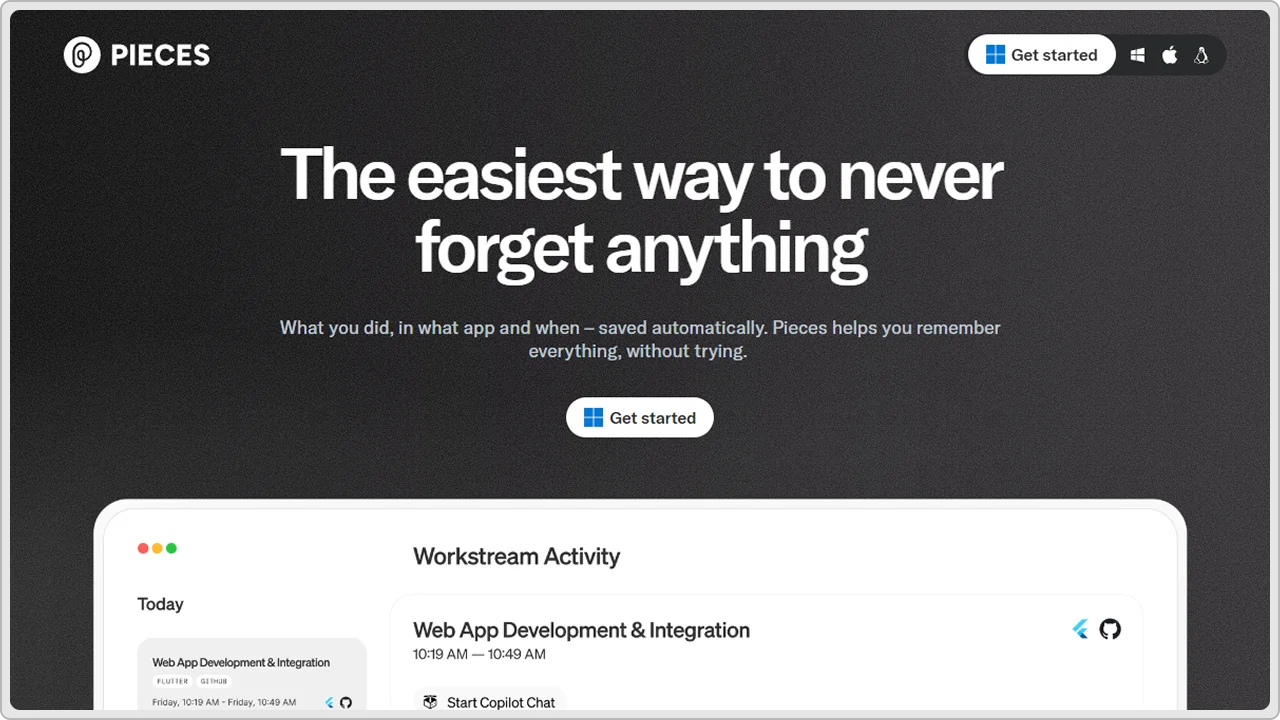
Pieces for Developers is a tool that saves and organizes code snippets. Has AI built in to help you find and reuse code you have already written. Works across your projects and helps you manage WordPress code libraries. Good for developers who work on multiple projects. Saves time by letting you reuse proven code. Integrates with VS Code and other editors. Learns from your coding patterns.
Key Features
- Code snippet management and organization
- AI-powered code search
- Works across multiple projects
- Integrates with popular editors
- Stores code locally for privacy
- Collaborative features available
Pricing
Free tier with basic snippet storage. Pro version $12/month for more features and collaboration. Team plans available.
| Pros | Cons |
|---|---|
|
|
14. Phind
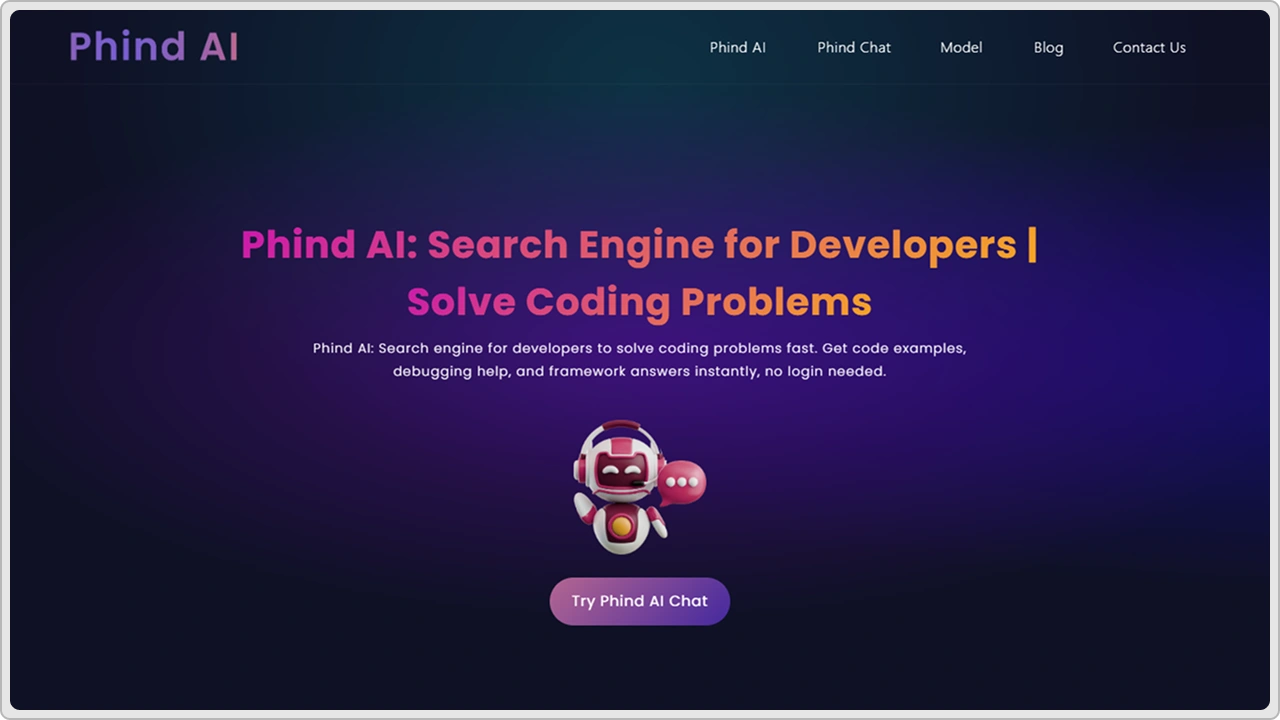
Phind is an AI search engine for developers. You ask coding questions and it finds answers or generates solutions. Works for PHP and WordPress problems. Good for finding solutions to specific WordPress issues. Searches code repositories and documentation. Can generate code snippets based on your questions. Free to use. Helpful when you get stuck on WordPress development problems.
Key Features
- AI-powered developer search engine
- Answers coding questions
- Generates code solutions
- Searches multiple sources
- Works for PHP and WordPress
- Free to use
Pricing
Completely free. No paid tiers currently available.
| Pros | Cons |
|---|---|
|
|
15. Cursor
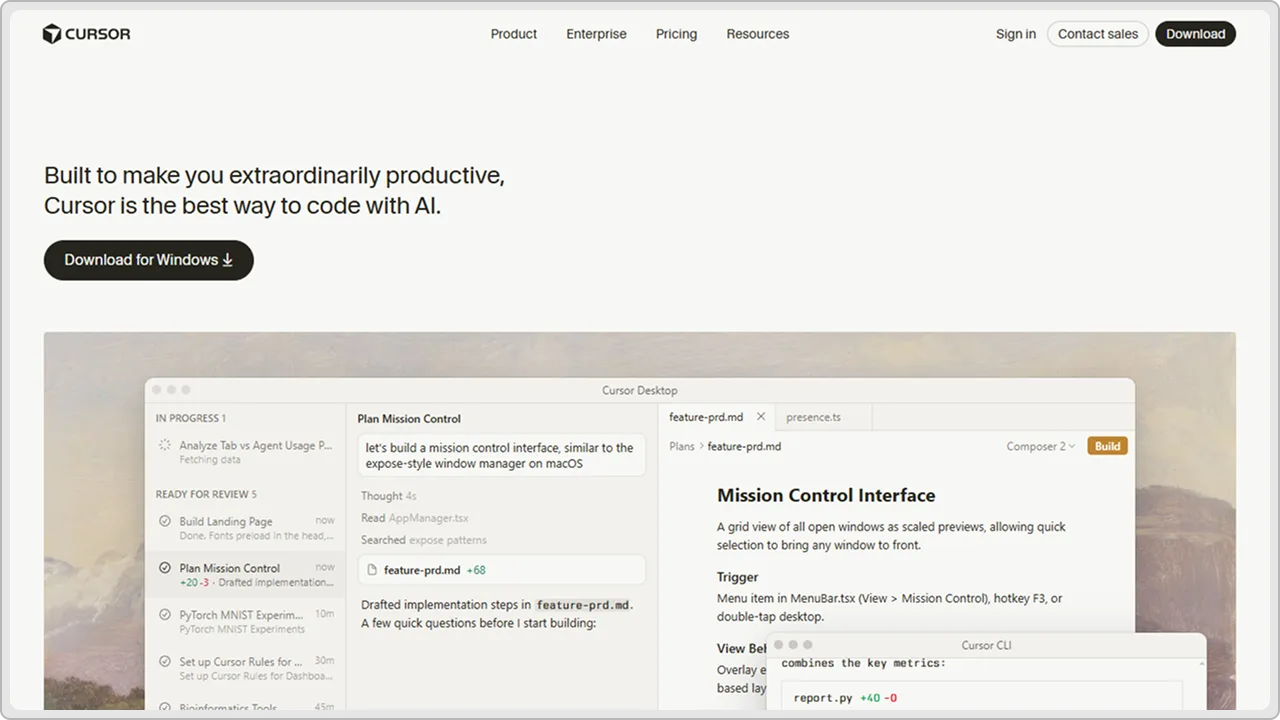
Cursor is an AI-first code editor built on VS Code. Combines an editor with AI code generation built in. You can ask questions and it generates code directly in your editor. Good for WordPress and PHP development. Feels like VS Code but with AI superpowers. Chat interface lets you talk to the AI about your code. Can refactor code and explain what it does.
Key Features
- AI-first code editor
- Chat interface for coding questions
- Real-time code generation
- Code refactoring capabilities
- Supports PHP and multiple languages
- Built on VS Code foundation
Pricing
Free tier available with basic features. Pro version $20/month for unlimited AI usage and priority support.
| Pros | Cons |
|---|---|
|
|
How to Choose the Right AI Code Generator
- Figure out what you actually need before picking a tool. Real-time suggestions in your editor or a chat interface? Want to search code or generate from scratch? Tools do different things so pick based on what you need.
- Try free versions on your WordPress code first. Most have free tiers. See if it actually helps you or just gets in the way.
- Make sure it handles PHP and WordPress well. Some tools understand WordPress better than others. Test with your actual code.
- Pick something that works with your editor. You use VS Code? Find tools for that. Using something else? Pick accordingly.
- Think about cost versus time saved. Free is good but sometimes paid makes sense if it saves you hours per week. Do the math.
- Ask other WordPress developers what they use. Real people using the tools matter way more than marketing stuff. Check Reddit and developer forums.
- Pick one tool and actually learn it. Don’t jump around trying everything. Most tools get better the more you use them because they learn your coding style.
Conclusion
AI code generators are changing how developers work. Writing code takes forever. These best AI tools can speed that up. But you need the right tool for your situation.
We covered fifteen different AI code generators. Some are free. Some cost money. Some work in your editor. Some work in your browser. Some are chat-based. Some give real-time suggestions.
The point is you have options. Pick one AI-powered tool and actually use it. Most tools get better the more you use them. They learn your style. They understand your code better over time.
Start with a free plan. Test it on your WordPress code. See if it helps. If it does, maybe upgrade to a paid plan. If it doesn’t help, try something else.
Artificial Intelligence code generators are not magic. They generate code but you still need to check it. Bad code costs more time than no code. Make sure what the AI generates actually works.
The web developers who use these tools effectively are the ones who get ahead. They write more code faster. They spend less time on repetitive stuff. They focus on the hard problems instead.
Pick a tool. Start website building today. See how it goes. You might be surprised how much time you save.
cmsMinds delivers flexible, scalable, and performance-driven WordPress solutions tailored to your business needs.