 Reviews on




 ChatGPT
 Perplexity
 Claude
Every WordPress site runs on a mix of PHP, database queries, and static assets. So when someone visits your page, the server has to put all those pieces together before showing the final version.
It actually works fine for a few visitors, but as traffic grows, those requests start adding up. That’s usually when the site starts slowing down.
Caching usually solves this by storing pre-built versions of your web pages. Instead of loading everything from the database each time, your site delivers static HTML files right away. The result is a faster, lighter, and more responsive experience for visitors.
What’s great is that you don’t need to be a developer to make this work. A good caching plugin can handle most of it for you, improving load times, Core Web Vitals, and overall performance without much setup.
In this post, we’ll go through some of the best WordPress cache plugins available today, how they work, and what kind of sites they suit best.
What to Look for in a WordPress Caching Plugin
Although we’ve been in the WordPress business for a long time, if you ask us which caching plugin is the best, the answer isn’t that simple. What works perfectly for one website can slow down another. A small blog, an online store, and a high-traffic business site all have very different needs.
Here are a few things worth checking:
- Hosting Compatibility: Some plugins work best with certain servers. For example, LiteSpeed Cache is designed for LiteSpeed servers, while others like WP Rocket and W3 Total Cache work across most web hosting setups.
- Ease of Use: If you just want better speed without touching too many settings, look for a plugin with a simple setup. Advanced users might prefer something that offers more control over caching levels, database queries, and file optimization.
- Extra Features: Some caching plugins also handle lazy loading images, minifying CSS and JS files, or even removing unused CSS. These can help improve Core Web Vitals and reduce page load times further.
- Free vs Paid Versions: Most caching plugins offer a free version that covers the basics. Premium versions usually add advanced features like CDN integration, database cleanup, or priority support.
- Plugin Compatibility: Check if it plays well with other key plugins like Yoast SEO, your page builder, or a security plugin. Conflicts between optimization plugins can sometimes cause issues. To keep it short, choosing the right caching plugin isn’t about picking the most popular one, but the one that fits how your site is built and hosted.
To keep it short, choosing the right caching plugin isn’t about picking the most popular one, but the one that fits how your site is built and hosted.
Best WordPress Cache Plugins (2025 Updated List)
Now that we’ve covered what to look for, let’s talk about the plugins that actually get the job done. There are plenty of caching plugins out there, but only a few have stood the test of time and proven themselves across different types of WordPress sites.
Here are some of the best options worth considering:
1. WP Rocket
WP Rocket is one of those plugins that just makes your life easier. You install it, turn it on, and your site instantly feels faster. It takes care of the heavy lifting like page caching, compressing files, and generating static HTML versions of your pages.

You also get handy extras like lazy loading for images, removing unused CSS, and delaying JavaScript until it’s needed. It’s built for people who want results without spending hours tweaking every single setting.
Features
- Page caching and static HTML file generation
- Lazy loading images and videos
- Remove unused CSS
- Delay JavaScript execution
- Browser and GZIP caching
- Database optimization and cleanup
- CDN integration
- Cache preloading
- Compatible with most themes and hosting providers
| Pros | Cons |
|---|---|
| Quick setup with great default settings | No free version available |
| Covers both caching and broader performance optimization | Some features may overlap with other optimization plugins |
| Solid customer support and regular updates | Can feel pricey for smaller sites |
| Helps improve Core Web Vitals noticeably | Needs careful setup if used with advanced caching or CDN tools |
| Works well with popular plugins and page builders | Doesn’t include built-in image optimization (you’ll need another plugin for that) |
Pricing
WP Rocket offers three annual plans:
- Single – $59/year for 1 website
- Plus – $119/year for up to 3 websites
- Infinite – $299/year for unlimited websites
All plans include updates, support, and a 14-day money-back guarantee.
2. W3 Total Cache
W3 Total Cache has been a part of the WordPress world for a long time, and many users love it. It’s packed with features that help your site run faster and handle more traffic. You can cache pages, databases, and objects, all from one plugin.
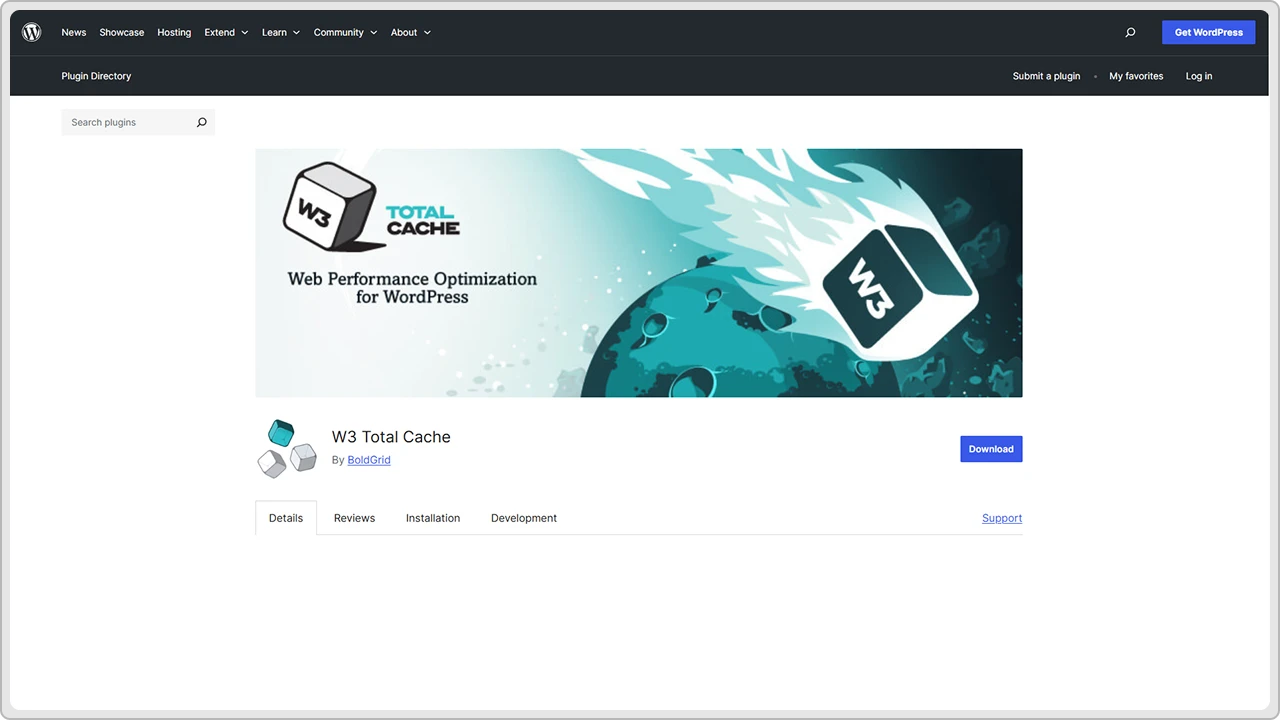
It also lets you minify CSS, JavaScript, and HTML files to make them lighter. The setup might look a bit technical at first, but once you get used to it, you’ll see a clear difference in how fast your site loads.
Features
- Page, database, and object caching
- Browser caching and GZIP compression
- Minify and combine CSS, JavaScript, and HTML files
- CDN integration
- Fragment caching for advanced setups
- Support for reverse proxy configurations
- Works with most web hosting environments
| Pros | Cons |
|---|---|
| Powerful caching options for almost every part of WordPress | Interface can feel confusing for new users |
| Helps improve site speed and performance significantly | Setup takes some time and testing |
| Great for developers and advanced users who like control | Too many active features can cause conflicts |
| Free version includes most core features | Limited support for the free version |
| Integrates well with CDNs and hosting providers | Some premium features are only available in the paid plan |
Pricing
W3 Total Cache has a free version that’s more than enough for most websites. If you want advanced options like fragment caching, full CDN support, and premium assistance, the Pro version costs $99 per year per site.
3. WP Super Cache
WP Super Cache is one of the most trusted caching plugins in the WordPress community. It’s developed by Automattic, the team behind WordPress.com, so you know it’s reliable. The plugin creates static HTML files of your web pages, which helps reduce the load on your web server and makes your site faster for visitors.
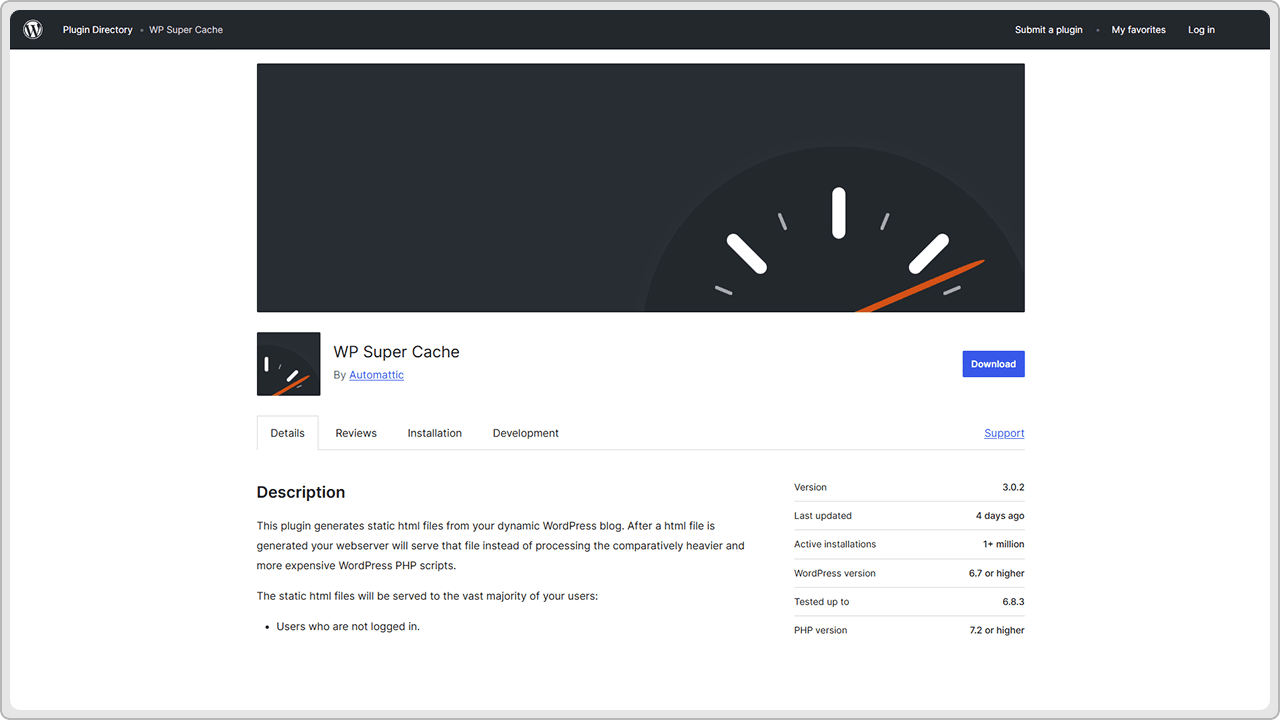
It’s basically designed to be simple, stable, and easy to use. You can just turn it on, choose a few options, and let it do its job quietly in the background.
Features
- Generates static HTML files for faster load times
- Simple setup with recommended settings
- Browser caching support
- CDN integration
- Compression and cache preloading
- Scheduler to clear cached files automatically
- Supports mobile caching
| Pros | Cons |
|---|---|
| Very easy to set up and beginner-friendly | Fewer advanced features compared to premium plugins |
| Developed and maintained by Automattic | The interface looks basic and slightly outdated |
| Works well with most hosting setups | Lacks built-in tools for minifying or optimizing CSS/JS |
| Free and regularly updated | Doesn’t include database or image optimization |
| Reliable performance with minimal configuration | May not offer enough flexibility for advanced users |
Pricing
WP Super Cache is completely free to use. There’s no premium version, no paid add-ons, and no upsells; just a simple caching solution that does what it promises.
4. LiteSpeed Cache
LiteSpeed Cache is a popular caching plugin that helps make WordPress websites load faster. It works best on LiteSpeed servers, but you can also use it on other types of hosting with a bit of setup. The plugin goes beyond basic caching.
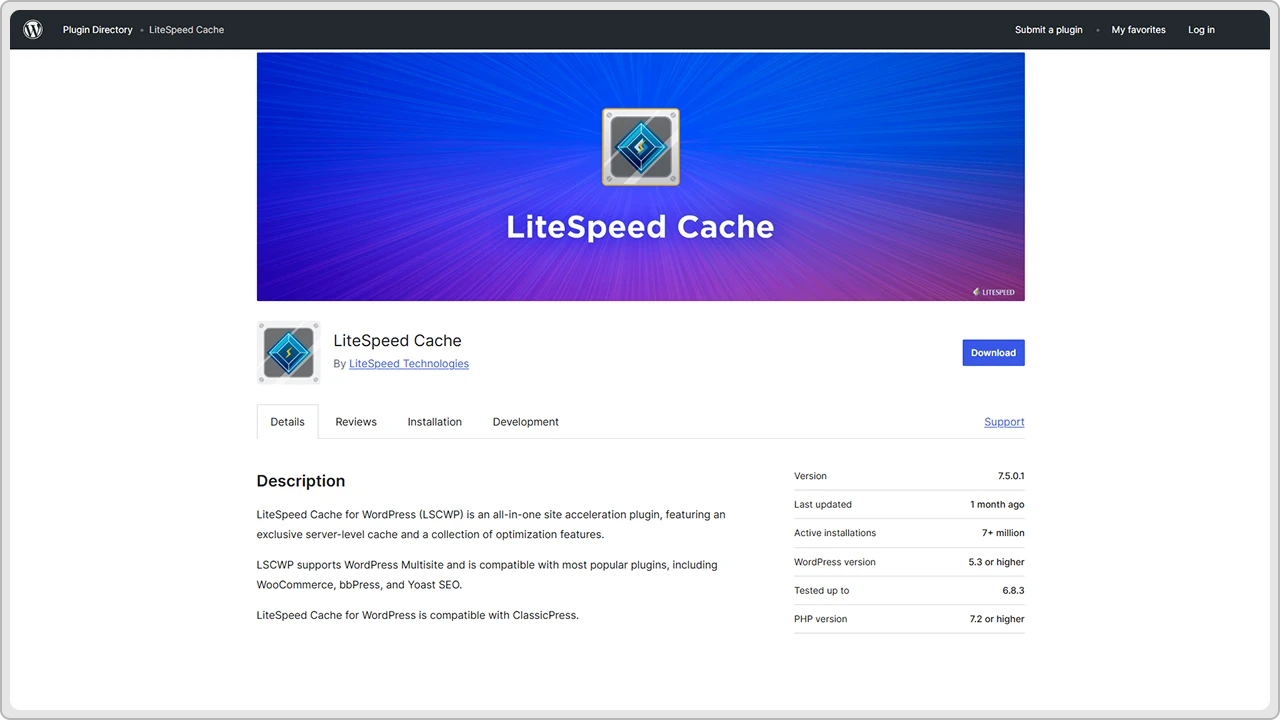
For instance, it can optimize images, clean up your database, and make your CSS and JavaScript files smaller. It’s a great choice if you want an all-in-one tool that speeds up your website without needing multiple optimization plugins.
Features
- Full-page caching for better speed
- Image optimization and lazy loading
- Minify CSS and JavaScript files
- Database cleanup and optimization
- Browser caching and cache preloading
- CDN integration with QUIC.cloud
- WooCommerce and multilingual support
- Built-in object cache and ESI (Edge Side Includes)
| Pros | Cons |
|---|---|
| Very easy to set up and beginner-friendly | Fewer advanced features compared to premium plugins |
| Developed and maintained by Automattic | The interface looks basic and slightly outdated |
| Works well with most hosting setups | Lacks built-in tools for minifying or optimizing CSS/JS |
| Free and regularly updated | Doesn’t include database or image optimization |
| Reliable performance with minimal configuration | May not offer enough flexibility for advanced users |
Pricing
LiteSpeed Cache is free to use. Some connected services like QUIC.cloud CDN or image optimization have optional paid plans, but the main caching features don’t cost anything.
5. WP Fastest Cache
WP Fastest Cache is one of those plugins that’s easy to install, easy to use, and delivers quick results. It creates static HTML files of your web pages, which helps them load faster for visitors. The setup is very straightforward; you just check a few boxes, and it’s ready to go.
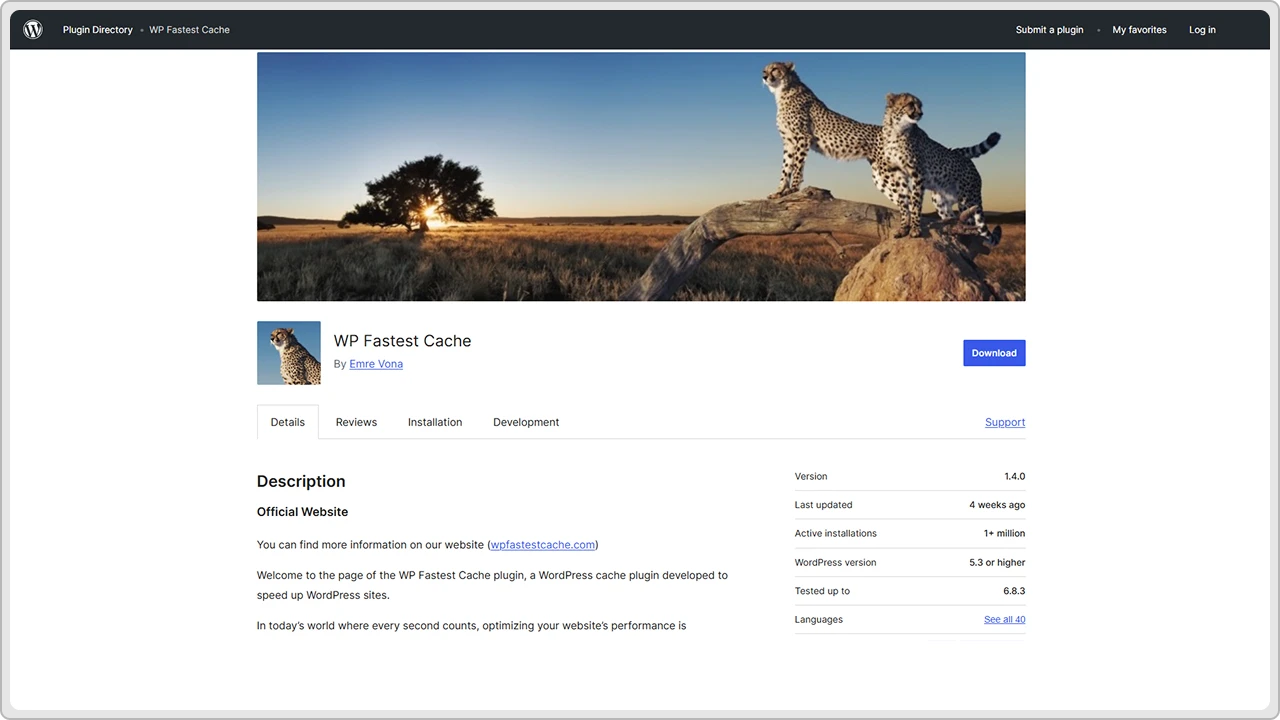
It also includes extra options like browser caching, GZIP compression, and minifying CSS and JavaScript files. It’s a great pick for anyone who wants a fast site without dealing with complex settings.
Features
- Page caching and static HTML file generation
- Browser caching and GZIP compression
- Minify and combine CSS and JavaScript files
- Cache preloading
- Option to exclude specific pages or files
- Image optimization (premium version)
- CDN and Cloudflare integration
- Mobile and SSL support
| Pros | Cons |
|---|---|
| Very simple setup — great for beginners | Interface looks a little dated |
| Lightweight and doesn’t slow down WordPressc | Advanced options are only in the premium version |
| Reliable performance improvement | Doesn’t offer object caching or database optimization |
| Free version covers most essential features | Limited control compared to plugins like W3 Total Cache |
| Works well with most hosting providers | Image optimization requires the paid upgrade |
Pricing
WP Fastest Cache offers a free version with all basic caching features. The premium version starts at a one-time payment of around $49.99, which adds tools like image optimization, database cleanup, and mobile caching.
6. Cache Enabler
Cache Enabler is a lightweight caching plugin that focuses on simplicity and speed. It creates static HTML files of your pages and serves them directly to visitors, which helps your WordPress site load much faster.
The setup takes just a minute or two, and the interface is clean and easy to understand. It also supports modern image formats like WebP and works well with most hosting setups. If you just want a quick, no-fuss caching solution, Cache Enabler is a great pick.
Features
- Creates static HTML files for faster loading
- Supports WebP image format
- GZIP and browser caching support
- Auto cache clearing and expiration options
- Minify HTML and inline JavaScript
- Works well with CDN integration
- Lightweight and minimal configuration required
| Pros | Cons |
|---|---|
| Very easy to install and use | Limited features compared to advanced caching plugins |
| Clean, beginner-friendly interface | No built-in image or database optimization |
| Fast performance with minimal server load | Doesn’t offer object caching or advanced caching layers |
| Compatible with most themes and plugins | No premium version for extra tools |
| Free to use with regular updates | Lacks integration with some page builders |
Pricing
Cache Enabler is completely free to use and available in the WordPress plugin repository. There’s no paid version or add-ons. It’s just a simple caching plugin that does what it’s supposed to.
7. Redis Object Cache
Redis Object Cache is a bit different from regular caching plugins. Instead of storing entire pages, it focuses on caching the data your WordPress site uses most often for things like database queries and objects.
This helps reduce the time it takes for WordPress to fetch information from the database, which makes dynamic sites like online stores or membership platforms much faster.
It’s especially useful for large or complex websites that handle a lot of data and can be used alongside other page caching plugins for even better results.
Features
- Object caching to reduce database load
- Supports both persistent and non-persistent connections
- Works with Redis server for faster data access
- Compatible with WordPress Multisite
- Integrates with hosting providers that support Redis
- Can be used with other page caching plugins
- WP-CLI support for developers
| Pros | Cons |
|---|---|
| Great for dynamic sites like WooCommerce or membership platforms | Requires Redis server access, which not all hosts provide |
| Can significantly reduce database query times | Setup can be technical for beginners |
| Works alongside plugins like WP Rocket or LiteSpeed Cache | Doesn’t handle page caching or front-end optimization |
| Improves overall site performance and stability | Needs server-level configuration to get full benefits |
| Free and open-source | May not show visible improvements on small, static sites |
Pricing
Redis Object Cache Plugin is free and available in the WordPress plugin directory. You only need a Redis server to make it work, which some hosting providers include by default or offer as an add-on.
8. Comet Cache
Comet Cache is a reliable caching plugin that focuses on simplicity and stability. Once you activate it, it automatically starts caching your pages and posts without needing much setup. It creates static HTML versions of your content, which helps your website load faster for visitors.
The plugin also refreshes the cache when you update a post or page, so your visitors always see the latest version. It’s a good choice if you want a “set it and forget it” caching plugin that quietly does its job.
Features
- Page and post caching with automatic updates
- Browser caching and GZIP compression
- Cache expiration control
- Logged-in user caching options
- CDN support
- Works with both static and dynamic content
- Simple setup with clear documentation
| Pros | Cons |
|---|---|
| Easy to install and configure | Interface feels a little old-fashioned |
| Works well right out of the box | Lacks advanced options like database or object caching |
| Automatically clears and rebuilds cache after updates | No built-in image optimization |
| Free version includes most features | Some advanced features only in the Pro version |
| Suitable for both beginners and small business sites | Less active development compared to newer caching plugins |
Pricing
Comet Cache offers a free version on the WordPress plugin directory. The Pro version starts at a one-time payment of $39, which adds extra features like intelligent cache clearing, automatic cache rebuilding, and advanced caching for logged-in users.
9. Hyper Cache
Hyper Cache is a lightweight caching plugin designed to work well on all kinds of hosting environments, including shared servers. It focuses on keeping things simple while still giving noticeable speed improvements.
The plugin creates cached versions of your pages to reduce server load and speed up delivery for visitors. It also supports mobile caching, compression, and CDN integration. If you want a caching plugin that’s easy to use, doesn’t take up much space, and just works quietly in the background, Hyper Cache is worth a try.
Features
- Page caching for desktop and mobile users
- GZIP compression and browser caching
- CDN integration
- Cache preloading and auto-cleaning
- SSL and bbPress support
- Works well with both static and dynamic pages
- Simple settings panel with clear options
| Pros | Cons |
|---|---|
| Lightweight and easy to configure | Limited advanced optimization features |
| Works smoothly even on low-resource hosting | No image or database optimization tools |
| Supports mobile caching out of the box | Basic interface with fewer customization options |
| Free and actively maintained | Not ideal for very large or complex sites |
| Compatible with most WordPress themes and plugins | No premium version for extra features |
Pricing
Hyper Cache is completely free and available in the WordPress plugin directory. There’s no premium upgrade, everything is included in the free version.
10. WP-Optimize
WP-Optimize is more than just a caching plugin. It combines caching, database cleaning, and image optimization in one package, which makes it a great all-round performance tool for WordPress sites. It can remove unnecessary data from your database, compress images without losing quality, and cache your pages for faster loading.
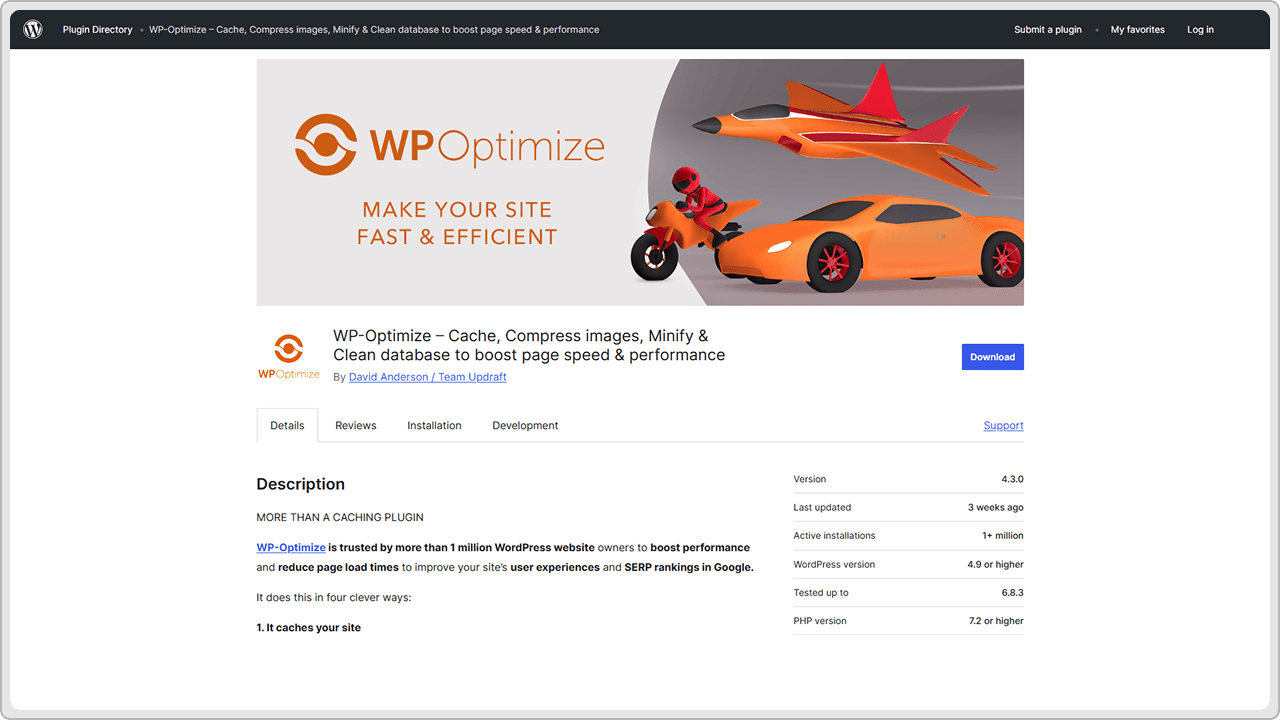
It also has features to minify CSS and JavaScript files and even remove unused CSS. If you want a single plugin to handle most of your site’s speed and optimization tasks, WP-Optimize is a solid choice.
Features
- Page caching and cache preloading
- Database cleanup and optimization
- Image compression and lazy loading
- Minify and combine CSS and JavaScript files
- Remove unused CSS
- GZIP compression and browser caching
- Compatible with most themes and page builders
- Multisite and WooCommerce support
| Pros | Cons |
|---|---|
| Combines caching, database, and image optimization in one plugin | Some advanced tools only in the premium version |
| Simple and clear dashboard | Image optimization can take time on large sites |
| Helps improve Core Web Vitals with unused CSS removal | Too many active optimizations may cause conflicts |
| Free version covers most basic needs | Interface feels a bit crowded with multiple options |
| Good support and regular updates | Slight learning curve for complete beginners |
Pricing
WP-Optimize offers a free version with core features like caching, database cleanup, and image optimization. The premium version starts at $49 per year for one website and includes extra features such as multisite support, advanced scheduling, and priority updates.
Can You Use Multiple Caching Plugins Together?
Many WordPress users think that installing more than one caching plugin will make their website faster. In most cases, it actually does the opposite. When two plugins try to manage the same cache files or settings, they often conflict with each other, slow the site down, or cause layout issues.
Each caching plugin uses its own method for handling page caching, browser caching, and optimization. Running more than one at a time usually leads to errors or inconsistent results.
There is one safe combination, though. You can use Redis Object Cache with another caching plugin like WP Rocket or LiteSpeed Cache. Redis focuses on database caching, while the other handles page caching, so they don’t overlap.
If you ever decide to switch from one caching plugin to another, always deactivate the old one and clear its cache first. It helps keep your setup clean and prevents any unwanted conflicts.
Conclusion
Caching might sound technical, but it’s one of the simplest and most effective ways to make a WordPress site faster. Whether you use a feature-packed plugin like WP Rocket or a straightforward one like WP Super Cache, the right caching setup can make a noticeable difference in how your website feels and performs.
The best caching plugin really depends on your website, hosting, and comfort level. If you’re on a LiteSpeed server, LiteSpeed Cache is a smart pick. For most sites, WP Rocket offers reliable results with minimal effort. And if you prefer free tools, W3 Total Cache or WP Fastest Cache are both solid choices.
What matters most is finding one plugin that fits your setup and using it correctly. Once caching is set up properly, you’ll not only see faster load times but also smoother performance, better Core Web Vitals, and happier visitors.



