 Reviews on




When it comes to content management systems, WordPress and Sanity CMS are two very popular and very different tools built for distinct needs.
WordPress is a traditional CMS that powers a large number of websites across the internet. It’s popular for its ease of use, large collection of plugins, and a wide range of pre-made themes. It works well for users who want to get a website up and running quickly without much technical effort.
Sanity CMS, on the other hand, is a modern, headless CMS. It’s designed for developers and teams that need more flexibility, better control over content, and the ability to deliver it across multiple platforms using APIs. It requires some technical knowledge, but offers more freedom for custom setups and advanced use cases.
In this comparison, we’ll take a closer look at Sanity and WordPress to help you decide which one fits your project better, whether you’re a developer, business owner, or part of a content team.
⏰ 60-Second Summary
- Sanity is a modern, headless content management system designed for developers who need flexibility, structured content, and real-time collaboration across multiple platforms.
- WordPress offers a traditional setup that’s ideal for fast, no-code website development, making it easy to launch blogs, business sites, or online stores with minimal effort.
- If you’re looking for a smooth user interface, WordPress is easier to navigate out of the box, while Sanity requires more technical setup but offers deeper control.
- WordPress shines when it comes to SEO plugins like Yoast and Rank Math, which help with on-page SEO, meta text, and keyword optimization without touching code.
- Sanity, on the other hand, gives developers full control over SEO and structured data, but you’ll need to handle it manually or connect external tools.
Overview of Sanity and WordPress
Sanity CMS: A Modern, Developer-Focused Headless CMS
Sanity CMS is a headless CMS, which means it separates content from how it’s presented. Instead of managing pages inside a traditional interface, you create and manage structured data, and then deliver that content through APIs to any frontend — websites, apps, or other platforms.
Sanity is designed for developers who want complete control over how content is used and displayed. It offers real-time collaboration, flexible content workflows, and a highly customizable content editor. It’s also great for teams that need to manage complex or large-scale content projects across different platforms.
Unlike WordPress, Sanity doesn’t come with pre-made themes or a plugin marketplace. It relies on your cms development team to build exactly what you need. But in return, you get better performance, stronger data integrity, and more flexibility.
WordPress: A Classic, User-Friendly CMS
WordPress is an open-source content management system that has been around since 2003. It’s known for its user-friendly interface, easy installation process, and huge community. Whether you’re building a personal blog or an eCommerce store, WordPress makes it simple to get started and create a WordPress website quickly.
One of its biggest advantages is the extensive plugin ecosystem. You can add features like contact forms, SEO tools, and shopping carts without writing code. WordPress also supports a wide range of pre-made themes, which allow users to customize their site’s appearance quickly.
Because of its large user base, WordPress offers strong community support, professional help, and plenty of tutorials. It’s a solid choice for people or teams who want a website that’s easy to manage with minimal WordPress development expertise.
From custom themes to plugin development and performance optimization, cmsMinds offers complete WordPress solutions backed by years of experience.
Key Comparison Factors between Sanity vs WordPress
Let’s compare all factors of these two popular CMSs and decide what’s right for you.
1. Content Management Capabilities
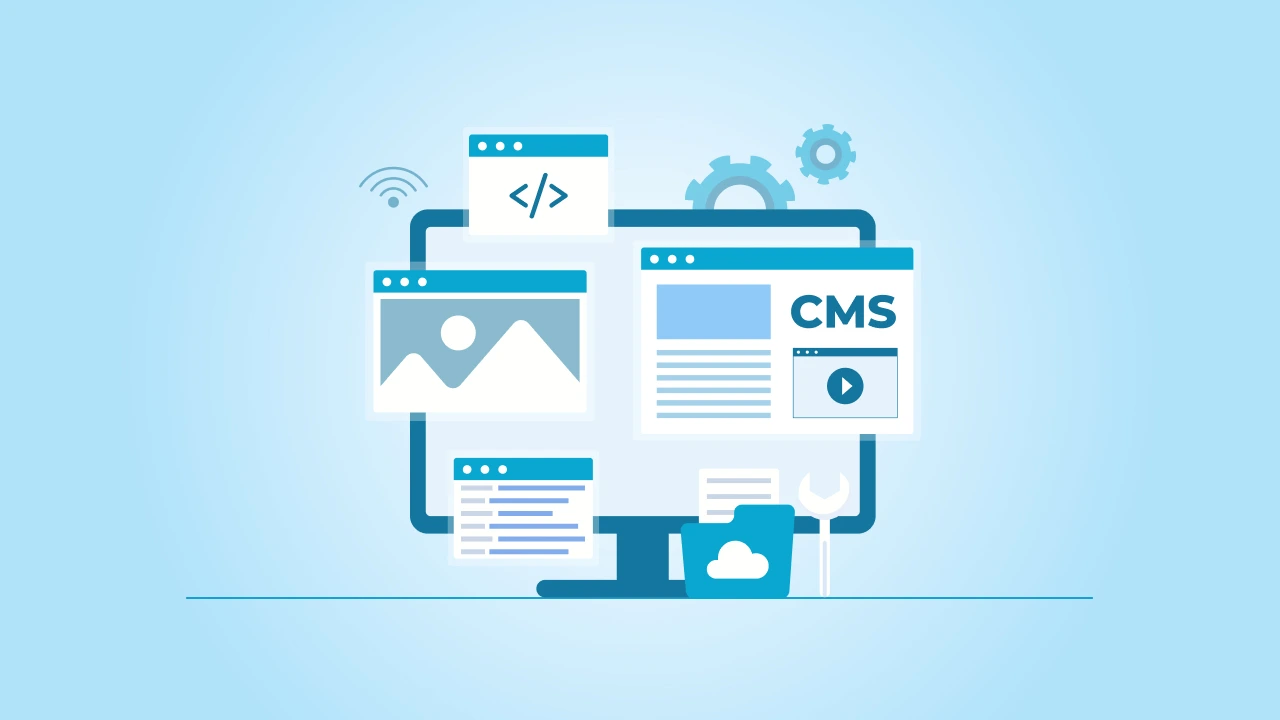
When you’re looking at Sanity CMS and WordPress, one of the most important things to consider is how each handles managing content, since that’s basically the whole point of using a CMS in the first place.
So, with Sanity CMS, you’ve got what’s called a headless CMS, meaning your content is totally separate from the actual website’s design. It’s all driven by APIs, which sounds technical, but basically, this gives you complete control over your content. You can push that content to multiple platforms like websites, apps, or anywhere else really easily.
Another cool thing Sanity does is support real-time collaboration, which is super handy if you have a team managing content together. It also lets you handle content in a structured way, meaning your data stays organized and tidy, especially if things get complicated.
On the other hand, WordPress takes a more traditional approach. It’s really user-friendly and pretty straightforward. You’ve probably heard about the Classic Editor or even used those easy-to-use Gutenberg blocks, right?
Those make content editing pretty simple—even if you’re not very tech-savvy. WordPress also makes assigning user roles and managing team workflows pretty straightforward. But, one downside is, if your content needs get super complex, WordPress might start to feel a bit limiting since it’s designed more for simplicity and ease of use rather than deep flexibility.
2. Ease of Use and Learning Curve
If you are choosing between Sanity CMS and WordPress, another big thing to think about is how easy each one is to learn and use, because nobody likes struggling with complicated tools.

Starting with Sanity, let’s be honest: it’s powerful, but it can feel a bit tough at first. It usually needs some solid technical knowledge to get started. Web developers often love it because it gives them lots of control, but if you’re not too familiar with coding or APIs, there’s definitely going to be a learning curve.
You’ll probably need a developer or a Sanity development team around, especially at the beginning.
Now, looking at WordPress, it’s pretty much the opposite. It’s built for almost everyone. You don’t need lots of technical skills or coding knowledge to set it up. A lot of beginners find WordPress easy because there are tons of tutorials, resources, and an extensive community support system.
Sure, you can still do some advanced stuff with WordPress, but the basics are pretty straightforward. You can literally just install WordPress, pick a theme, add some plugins, and you’re good to go.
In short, if you’re tech-savvy and looking for deep customization, Sanity could be worth the effort. But if you just want to quickly build something without headaches, WordPress might be your best bet.
3. SEO Capabilities

SEO matters a lot when you’re trying to get noticed on Google or other search engines. So, how do these two CMS platforms stack up?
Sanity offers some strong options for developers who are willing to dig into the details. It doesn’t come with a bunch of ready-to-use SEO plugins, but it gives you the freedom to handle SEO exactly the way you want. Developers can set up structured data, like schema markup, directly in the code, making sure your content is neatly presented to Google.
But to make the most of Sanity’s SEO features, you’ll likely have to rely on external tools like Google Search Console or work closely with your developers.
WordPress, on the other hand, makes things easier for people who don’t want to spend too much time dealing with technical SEO. It has lots of popular plugins—like Yoast SEO or Rank Math—that handle most of the hard stuff for you.
These tools guide you through the basics, such as adding meta titles, performing keyword optimization, and setting up structured data without coding. WordPress basically does a lot of the heavy lifting, especially if you’re looking for quick results without much hassle.
4. Customization and Extensibility
One thing both businesses and developers often ask about is how far they can push the platform they’re using. How flexible is it? How much can you customize it to fit your exact needs? Let’s check that out.
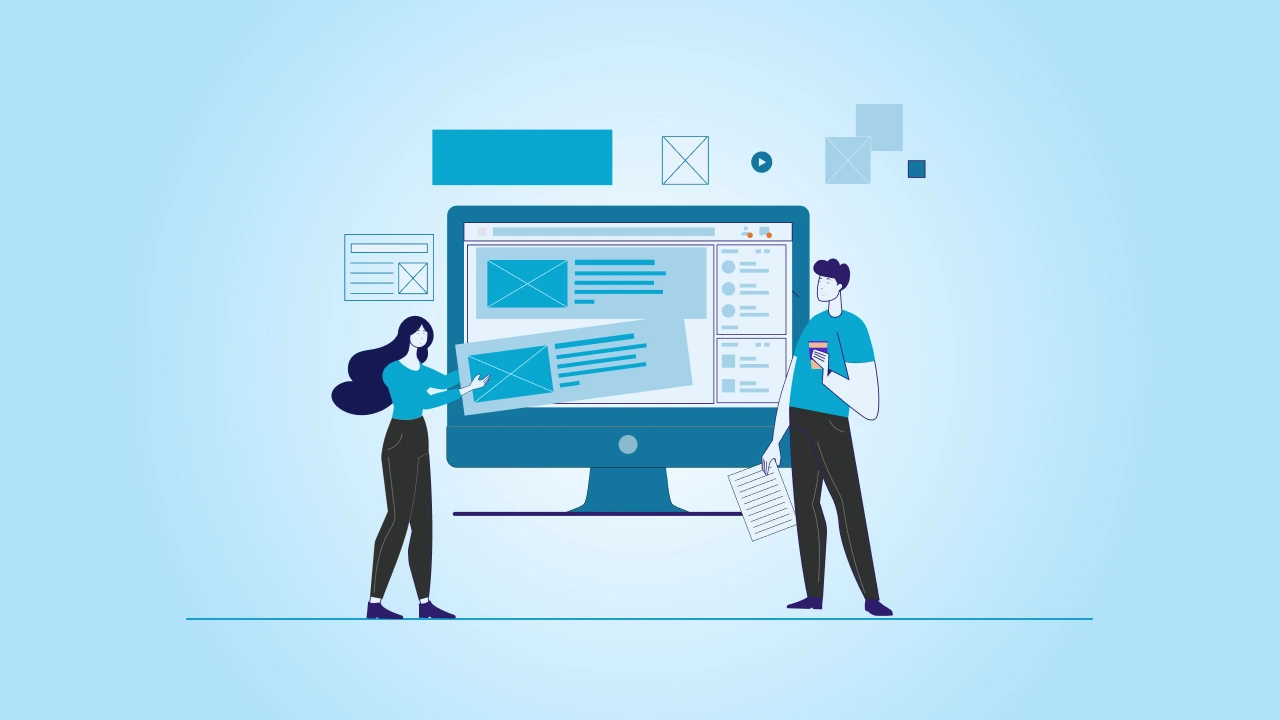
When it comes to deep and advanced customization, Sanity really shines because it’s built around an API-driven content delivery model. This means you have total freedom to create exactly what you need. You can seamlessly integrate with pretty much any external service, build complex data models, or even hook it up to multiple platforms at the same time.
But—here’s the catch—this flexibility usually means you’ll need developers who really know their stuff to set things up the way you want.
But what about WordPress? Well, customization here is a bit different. You won’t have to start from scratch or dive into APIs too often. Instead, WordPress gives you thousands of plugins—both free and premium—that let you add almost any feature imaginable. Want an online store?
There’s WooCommerce. Need to improve your SEO? Grab a plugin. But while these plugins make life easier, sometimes too many plugins can slow things down or make things messy. So, WordPress is super flexible, just in a different way—it’s about easy add-ons rather than starting from a blank canvas.
5. Performance and Mobile Optimization
Nowadays, having a site that loads fast and works smoothly on mobile devices isn’t just nice—it’s absolutely necessary. Users expect quick-loading, mobile-friendly websites, and Google prioritizes them in its rankings. So, how do Sanity and WordPress handle performance and mobile optimization?

Sanity has an advantage here because it’s built as a headless CMS, meaning the frontend (what users see) is completely separate from the backend (where content lives). That separation allows developers to build extremely fast websites and apps since they control exactly how content is delivered.
Sanity’s API-driven approach means quicker load times, smoother experiences, and better optimization, especially for mobile users. But to achieve this, you’ll definitely need developers who know how to make the most of its capabilities.
For WordPress, the story is a bit different. By default, WordPress isn’t always the fastest, especially if you start piling on heavy themes and tons of plugins. However, there are lots of ways to speed things up using plugins and optimization tools.
Things like caching plugins, lightweight WordPress themes, and mobile optimization plugins can help your site run faster and feel smoother on smartphones. But compared to Sanity, you might have to put in extra work or be cautious with your choices so that performance doesn’t slip.
6. Security and Maintenance
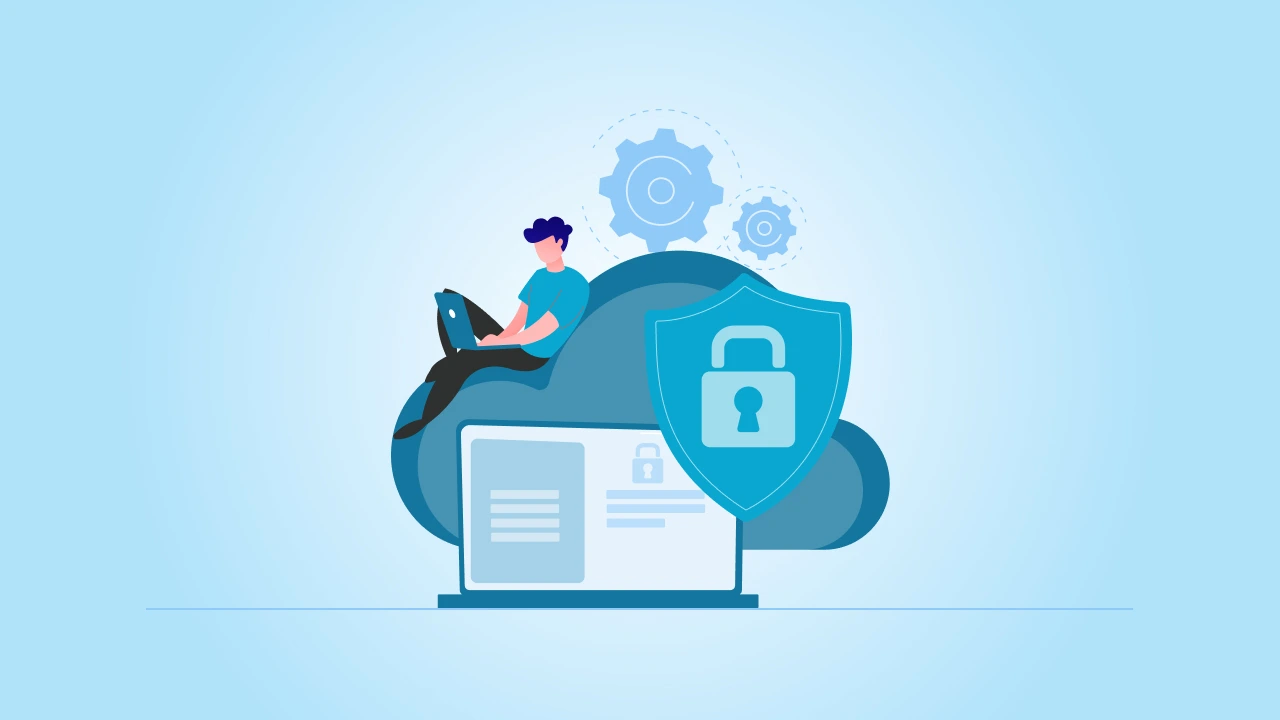
Security is one of those things you don’t always think about—until something goes wrong. Whether you’re running a small business site or a larger platform, keeping your content and user data safe is a top priority.
With Sanity, security is baked into the platform in a very modern way. Since it’s a headless CMS and content is delivered through APIs, there’s less surface area for attacks. You don’t have to worry about managing servers or patching software yourself.
Sanity handles a lot of the heavy lifting behind the scenes and offers professional support when needed. For teams with solid technical expertise, this setup offers peace of mind and a clean, low-maintenance experience.
WordPress, however, works quite differently. Because it’s open source and so widely used, it’s also a frequent target for hackers. A big part of staying secure with WordPress is keeping everything updated—your core software, themes, and especially your third-party plugins.
There are plenty of security measures you can put in place, like firewalls and login protection plugins, but it does require more hands-on attention. If you ignore WordPress updates or install sketchy plugins, you’re asking for trouble. So, opt for verified WordPress security plugins.
7. Community and Support

Let’s be real—sooner or later, you’re going to need help. Whether you’re stuck on a bug, trying to add a new feature, or just figuring out the best way to do something, good support can save hours of frustration.
That’s where the strength of the community and available resources really start to matter.
In the case of Sanity, the community is growing fast, especially among modern web developers. It has an active Discord server, well-written docs, and a team that’s pretty responsive. Plus, if you’re working on a bigger project or need priority help, there’s support available.
I agree it’s not as massive as WordPress’s ecosystem yet, but what’s there is solid, especially for developers who know their way around custom builds.
Now, WordPress is in a league of its own when it comes to community support. With millions of users and developers around the world, chances are someone’s already solved the problem you’re having. There are forums, blogs, tutorials, YouTube channels, and even Facebook groups dedicated to helping people with WordPress.
You’ll also find an extensive library of themes, plugins, and templates built and shared by the community. If you’re stuck, there’s no shortage of answers—though sometimes, it can be a bit overwhelming sorting through all the options.
Feature Comparison Table: Sanity vs. WordPress
| Feature | Sanity CMS | WordPress |
|---|---|---|
| Content Management | Structured, API-first, real-time collaboration | Traditional, block-based editor, plugin-enhanced |
| Ease of Use | Requires technical expertise, developer-focused | Beginner-friendly, simple setup, large resource pool |
| SEO | Developer-controlled SEO setup, supports schema, needs external tools | Rich plugin support (Yoast, Rank Math), easy SEO management |
| Customization | Fully flexible with code, best for advanced setups | Plugin-based customization, easy for most users |
| Performance | High performance through headless setup and custom frontends | Depends on themes and plugins; optimization is needed |
| Mobile Optimization | Excellent with custom frontend development | Good with responsive themes and mobile plugins |
| Security | Secure by design, less exposed, managed by provider | Needs manual updates, plugin vulnerabilities possible |
| Community Support | Smaller but growing, strong documentation, dev-oriented | Massive global community, forums, tutorials, and plugin creators |
| Third-Party Integration | Seamless integration via APIs | Wide range of plugins, may need add-ons for complex services |
| Scalability | Excellent for complex, large-scale projects across multiple platforms | Good for small to medium websites, can be scaled with proper setup |
| Best For | Developers, technical teams, and custom projects | Bloggers, small businesses, content creators, and general users |
Pros and Cons Summary
To help you quickly weigh your options, here’s a no-nonsense breakdown of the strengths and trade-offs of both platforms:
Sanity CMS
| Pros | Cons |
|---|---|
|
|
WordPress
| Pros | Cons |
|---|---|
|
|
Who Should Choose Sanity?
If your project is big, complex, or needs to work across different platforms—not just a website—Sanity is a strong choice. It’s perfect for development professionals who want 100% control over how content is stored, structured, and delivered. Since it’s a headless CMS, you can send your content anywhere: websites, apps, digital displays, you name it.
It’s also ideal if your team needs features like real-time collaboration, advanced content processes or workflows, and support for structured data. This kind of setup is great for companies that manage a lot of content and need everything to stay organized and consistent. You’ll also benefit from Sanity if you’re focused on data integrity and want the freedom to effortlessly integrate with other tools and services.
Just keep in mind—you’ll need people with extensive technical knowledge. Sanity isn’t plug-and-play, so it’s better suited for developers and businesses that are comfortable working with code, APIs, and custom builds.
Who Should Choose WordPress?
If you’re looking to get a website up and running quickly without diving into code, WordPress is probably your best bet. It’s perfect for small businesses, bloggers, freelancers, and even larger companies that want a solid web presence without needing a full-fledged team.
With its vast array of themes and premium plugins, you can build almost any kind of site—whether it’s a blog, a portfolio, or a full eCommerce platform. You don’t need to be tech-savvy to get started, and most features can be added with just a few clicks. It’s also a great option if SEO is a priority, thanks to its strong SEO plugin ecosystem and tools that make things like meta titles and keyword optimization super easy.
WordPress is also a solid pick if you want access to an extensive community that can help you troubleshoot issues, learn best practices, or even customize your site. In short, if you want flexibility with a low barrier to entry and don’t need a highly structured or headless setup, WordPress delivers.
Conclusion
At the end of the day, choosing the right CMS isn’t about which platform is better overall—it’s about which one fits your goals, your workflow, and your team’s skills. What works perfectly for a fast-moving dev team building across platforms might be overkill for a small business that just needs a reliable website.
Think about how hands-on you want to be, how flexible your content needs to be, and what kind of experience you want—for both your team and your visitors. The best CMS is the one that matches your needs today and still works for you tomorrow.
No matter which route you take—lean and modern with Sanity, or proven and robust with WordPress—you’ve got powerful tools at your fingertips. Now it’s just about making them work for you.
At cmsMinds, we help businesses and developers build scalable, high-performing websites tailored to their unique needs. Whether it’s headless, traditional, or something in between, we’ve got you covered.



