 Reviews on



 ChatGPT
 Perplexity
 Claude
Website maintenance normally costs somewhere between $50 and $500 per month. Now, there are websites that cost way more than $500 per month for maintenance, but that depends on the type of website and how much work is needed.
Some websites need only basic maintenance like a few updates and occasional fixes. Whereas other websites need proper monitoring, security checks, and ongoing improvements.
That’s exactly why the website maintenance costs vary so much. The final cost depends on the size of the website, how often updates are required, and whether there are any custom features or integrations involved.
As a WordPress website development agency that has been providing website maintenance services, we will give you a breakdown of the maintenance cost and what affects that cost.
- Maintenance cost changes based on how much work your website needs.
- Smaller websites need less attention. Bigger websites need more.
- Updates, fixes, and monitoring are part of regular ongoing maintenance.
- Ignoring small issues can lead to bigger problems later.
- Ongoing maintenance helps keep the website running without trouble.
What is Website Maintenance?
Website maintenance is the ongoing work that keeps your website running properly. Once your website is live, it will need updates, backups, and other things to avoid security and performance issues which could further lead to a drop in search engine rankings.
Over a period of time, small things in your website need attention. For instance, software updates, plugins change, and sometimes, some parts of the website just stop working.
Some maintenance tasks are routine work, like updates and backups. Other tasks are about fixing issues or making small improvements.
So it’s not just about keeping the website online. It’s also about ensuring that the website continues to work the way it should.
Average Website Maintenance Cost
As we said earlier in the earlier section, website maintenance expenses can vary quite a bit depending on how much work is needed and how often it is needed.
For a small website that has not more than 5 pages, the work basically comes down to updates and basic fixes. So the cost is usually on the lower side. By lower side we mean, $50 to $150 per month.
On the other hand, for a typical business website that has quite a few pages, regular updates, site monitoring, and occasional changes are definitely required. For these types of websites, the cost is mostly between $150 and $400 per month.
Coming to complex websites like online stores or websites with advanced functionality and custom features, they demand more work and attention. In cases like those, the cost can be more than $400 per month.
So it totally depends on what kind of website it is, and how much work is needed.
Let cmsMinds take care of updates, fixes, and regular checks.
What Affects Website Maintenance Cost
Although every website needs maintenance, it’s not the same for every site. Some websites need very little attention. But others need constant monitoring.
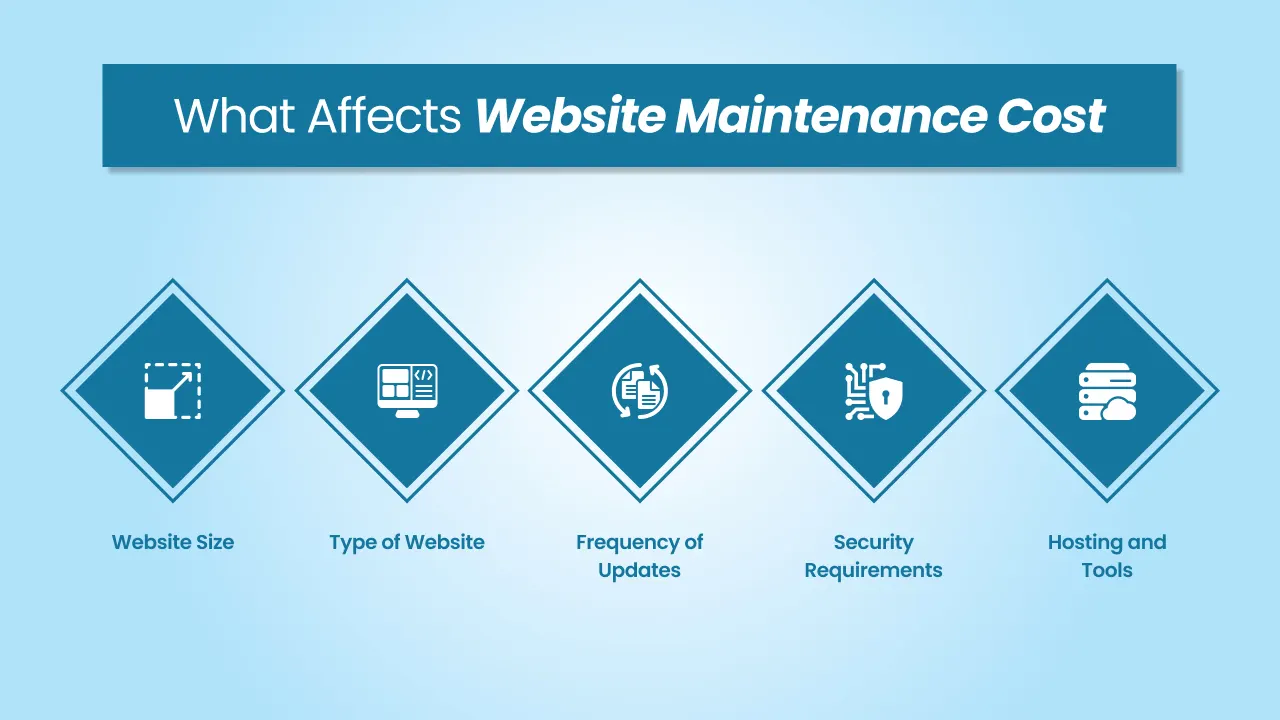
1. Website Size
The number one factor in maintenance cost is the size of the website. A small website with just a handful of pages is easier to maintain. Because there are fewer things to check, fewer updates, and overall less content to manage.
Larger websites take more time, effort, and resources. A large website means more pages, more features, and more content that needs regular attention.
2. Type of Website
If two small websites are of different industries, then they mostly do not require the same level of maintenance. For example, a small business website doesn’t need more than basic updates and a few fixes. But a small eCommerce website is completely built differently. It has products, orders, payments, and user accounts, which all need to be checked regularly and properly.
3. Frequency of Updates
Some websites are updated once in a while. Others need to be updated more on a regular basis. If your website has frequent changes, new content, or regular updates, then it needs more ongoing work. Now, this increases the monthly maintenance work. That’s why static websites usually cost less to maintain.
4. Security Requirements
Security is another important part of website maintenance. Again, not all websites need security monitoring. Like, websites that are purely informative don’t need much security checks. But websites that handle user data, payments, or even confidential customer information need frequent security updates and checks. This generally includes monitoring for vulnerabilities and keeping everything up to date. Higher security needs mean more work and higher cost.
5. Hosting and Tools
What kind of tools you use and what kind of hosting setup you have also affect maintenance cost. Some websites use basic hosting and free tools. Some websites rely heavily on premium hosting, paid plugins, or even third-party services. Such tools come with certain costs, and managing them can also add some extra effort.
What Does Website Maintenance Include?
There are a mix of tasks and occasional fixes that usually come under website maintenance. Not all of these tasks have to be implemented on a daily basis. Some regularly and some tasks only when needed.
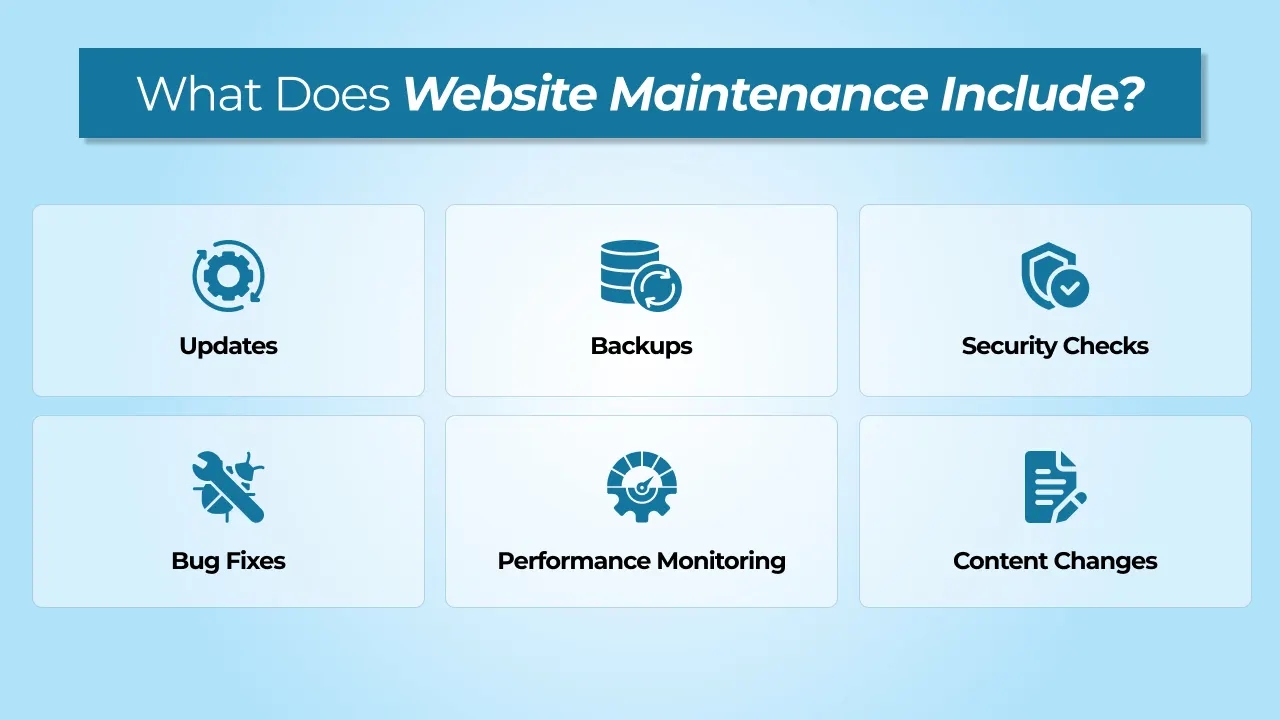
1. Updates
No matter how small or large your website, they need regular updates to keep everything properly. Updates usually include updating the content management system like WordPress, plugins, and themes. Updating these will fix errors or bugs, enhance website performance, or patch security issues.
2. Backups
Your website needs to have a backup so that in case things go south, the website can be easily restored to its previous state. Some websites face issues like a crash or security vulnerability, in such cases, having a regular backup will help.
3. Security Checks
Security check is not a one time task. Websites should always be monitored for vulnerabilities, suspicious activity, or outdated components. If basic security steps are followed, you can easily prevent issues before they become serious problems.
4. Bug Fixes
Although bug issues are not so serious, they can show up over time. Whether it’s a non-working form, a layout issue, or some element not working as expected. These problems can be fixed as they come up to keep the website running smoothly.
5. Performance Monitoring
The website doesn’t always stay the same after launch. After some time, it can slow down or things may behave differently. Pages may take longer to load, or things may not feel as smooth. When that happens, it needs some attention.
6. Content Changes
Content changes come up regularly for some websites. It might be updating a page, adding something new, or fixing small sections that need improvement. Content changes depend on how often you update the content for your visitors.
Website Maintenance Pricing Breakdown
Website maintenance involves one more than one task. The technical support team’s effort is usually spread across different areas, depending on what your website needs.

Updates (20-30%)
A good amount of time goes into keeping things updated. Like WordPress, plugins, and themes. Updates don’t take that long, but they still have to be done carefully so nothing else breaks.
Monitoring (20%-25%)
No matter what kind of website you have, it needs to be checked on a regular basis. It’s more like keeping an eye on things. Sometimes everything is fine. Other times, you may see small issues show up and need attention.
Fixes (20%-30%)
This is the step where most of the work happens. Occasional fixes are when a form stops working, a layout broke, or something is not behaving the same way after an update. All such things need to be fixed immediately.
Support (15%-25%)
A little time is also spent on small changes and requests. Whether it’s updating content, adding one particular section, or making minor adjustments. These might not be big tasks, but tech support is certainly a part of ongoing costs.
DIY vs. Hiring a Professional
Some businesses choose to handle maintenance themselves and some prefer to get it done by a professional.

Doing it Yourself
Some businesses prefer to manage their website on their own. This isn’t unusual or uncommon. If it’s a personal website and doesn’t change often (Content or UI/UX wise), DIY will work. For websites like these, basic updates and small fixes can be easily handled without much difficulty.
That being said, it will still take time. As a website owners, you need to keep track of all updates, check properly if things are working, and deal with technical issues when they come up.
Hiring a Freelancer
On behalf of businesses, a freelancer can be in charge. They will take care of regular updates and small fixes. This works great for websites that don’t need 24/7 attention, but still require someone to maintain the website from time to time. But the down side of hiring a freelancer developer is that they usually work alone, so response times can differ depending on their availability.
Working with an Agency for Professional Website Maintenance
An agency will handle website maintenance in a more structured way. Businesses get a full team, so updates, monitoring, and fixes are easily managed and more consistently. This level of maintenance is helpful for websites that need regular attention or have more moving parts.
At cmsMinds, we work with businesses that prefer not to deal with ongoing maintenance themselves and want everything handled properly by the professionals.
What Should You Choose?
If your website is simple and you are absolutely comfortable managing it, maybe DIY will suit you better.
If you need occasional help for your website, a freelancer will do.
But if your website plays an important part in your business, then we would say working with a website maintenance company or team is the safer option. You also get to choose different maintenance plans.
Hidden Costs in Website Maintenance
Sometimes, website maintenance is not limited to monthly updates. Businesses can face sudden or unexpected issues.
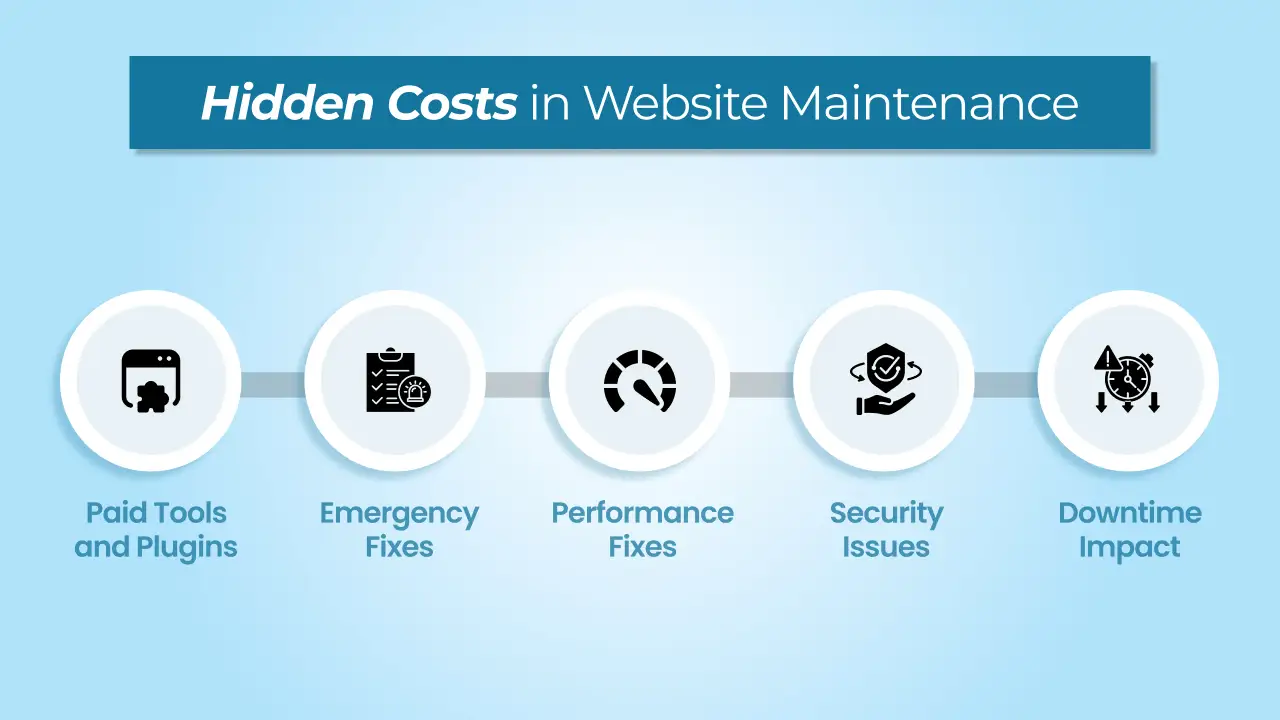
1. Paid Tools and Plugins
To properly work, some features rely on paid plugins or tools. It could be related to security, backups, forms, or even performance. Some of these have monthly subscriptions and some yearly. So the cost of these plugins and tools will add to the cost of website maintenance.
2. Emergency Fixes
Even after regular maintenance, sometimes, random issues pop up. After an update, something just breaks or stops working on the website, or a feature stops working. Fixing these issues will take extra time, especially if they need to be fixed right away.
3. Performance Fixes
Websites slow down over time. You may notice things like pages slowing down or certain sections not loading properly. Fixing these issues may not always come under regular website maintenance work.
4. Security Issues
Not always, but security problems do happen. And when they do, they are definitely to be taken care of immediately and quickly. Cleaning up malware or fixing vulnerabilities can take time and resources and hence may add to the final cost.
5. Downtime Impact
If and when a website goes offline or down, it can impact business. In some cases, even a short downtime can lead to heavy traffic loss or missed opportunities. Although not directly, downtime still has an impact.
Conclusion
Website maintenance is pretty easy to ignore when your website is working all fine and you don’t see any issues. But the thing is most issues don’t show up all at once. They build up slowly like a missed update here, a small bug there, and they start affecting how the website runs and performs. That’s exactly why website maintenance is less about fixing problems and more about preventing them from happening in the first place.
Work with cmsMinds and keep your website running without interruptions.



