 Reviews on


Website migration cost starts from $300, and it can go up to $5,000 or more. It depends on the size of the website, complexity, and the platforms involved.
We understand $300 to $5,000 is quite a wide range. But the reason behind this wide price range is simple. Not all website migrations are the same. Moving a small informative website with just a few landing pages is totally different from migrating an enterprise-level website with too many pages, custom features, and advanced functionality.
As a company that has migrated hundreds of websites, we will give the realistic cost of a website migration and the factors that influence it.
- Website migration cost can range between $300 and $5,000 or more.
- The price of website migration depends on the website’s size and complexity.
- Different types of migrations exist: hosting, CMS, and eCommerce.
- Factors like functionality, integrations, and platform changes influence the final cost.
- It’s suggested to work with professionals rather than a DIY method.
Types of Website Migration
Not all website migrations have the same goal or the same intention. Costs, efforts, resources, and time can vary depending on what kind of migration you want.
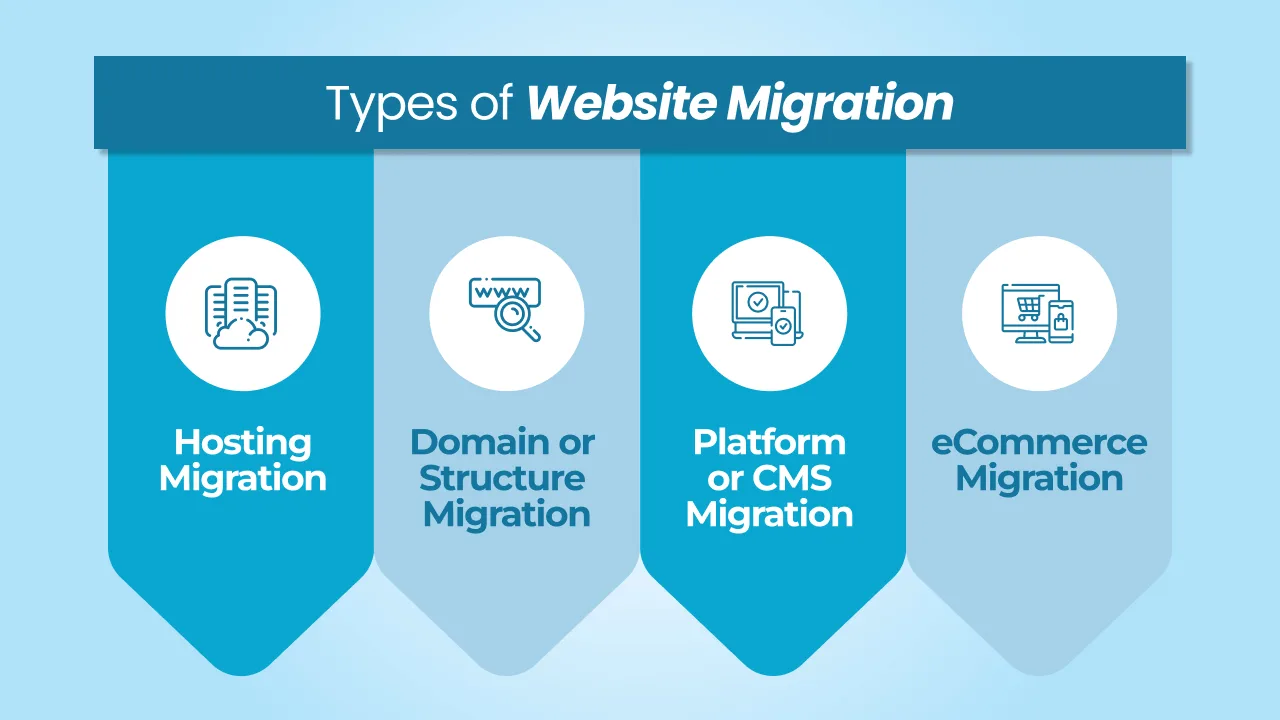
1. Hosting Migration
This is basically when a website is moved from one hosting provider to another without changing the platform. Let’s say you want to move your WordPress website from one shared, dedicated, or managed hosting company to another. There are so many hosting providers with affordable hosting plans.
This type of migration is usually simple and does not take much time or development work.
2. Domain or Structure Migration
In this type of migration, the website structure or URLs may change. This more or less happens when a business redesigns the whole website or updates the URL structure. Unlike hosting migration, domain or structure migration needs more planning, especially to make sure existing links and SEO performance are not affected.
3. Platform or CMS Migration
When people say “website migration,” this is what they mostly refer to. This is when a website is moved from one platform to another. For instance, moving a website from Wix to WordPress, Shopify to WooCommerce, or Drupal to WordPress. CMS migration is more complex because the website may need to be rebuilt on the new platform. That is why we will be focusing on this type of migration mainly in this guide.
4. eCommerce Migration
Migrating an eCommerce website is much more complex than a regular website. In eCommerce migration, transferring product data, customer information, orders, payment settings, and other important data takes a lot of time and requires careful handling.
Regardless of the type of migration, most projects involve a similar set of steps.
Average Website Migration Costs in 2026
As we have already said, the website migration cost totally depends on the site size, complexity, and other functionality.
- Let us take an example. A small website with a few web pages is simple and easy to migrate, honestly. So websites like those don’t cost more than $800 for migration.
- A medium-sized business website with a few more pages, a couple of plugins, and a couple of third-party integrations may cost somewhere between $800 and $2,500.
- If the website is one more step higher with advanced custom functionality, a large amount of data, or maybe like an eCommerce store, the migration cost can go up.
The final cost of website migration also depends on the number of platforms on which the migration is taking place.
What Exactly Are You Paying For in a Website Migration?
A lot of people think that website migration is about moving files from one server to another server. That is not all that website migration is about.
When you start with a website migration, the first thing you need to do is make a backup of your existing website. This way, you have all your data safe. You can get it back if something goes wrong during the migration.
Next, you have to move all your data. This includes all the files on your website, the database, all the images, all the videos, and all the other media. If your website is really big, this can take some time.
Whoever builds your website also has to set up the place where your website will live. This could be a hosting platform, a different server configuration, or a whole new CMS setup.
You also have to test your website after it has been moved. This means checking everything, like all the pages, all the plugins, how everything works, and how all the different parts work together. This is an important step that businesses should not skip.
Sometimes developers also take care of URL redirects and SEO preservation so that search engines can still find your website after it has been moved. You should ask the developer or WordPress migration agency if they do this.
Most of these tasks take time, effort, and resources. That’s precisely why website migration is not just copying files. It takes proper planning, technical setup, and meticulous testing to make sure the website runs smoothly after it has been moved.
Key Factors That Influence Website Migration Cost
There’s no fixed cost when it comes to website migration because every migration is different. At cmsMinds, our enterprise WordPress experience allows us to handle migrations of all sizes and complexities—from straightforward website moves to large-scale migrations requiring careful planning, complex data transfers, integrations, performance optimization, and minimal disruption to your business.
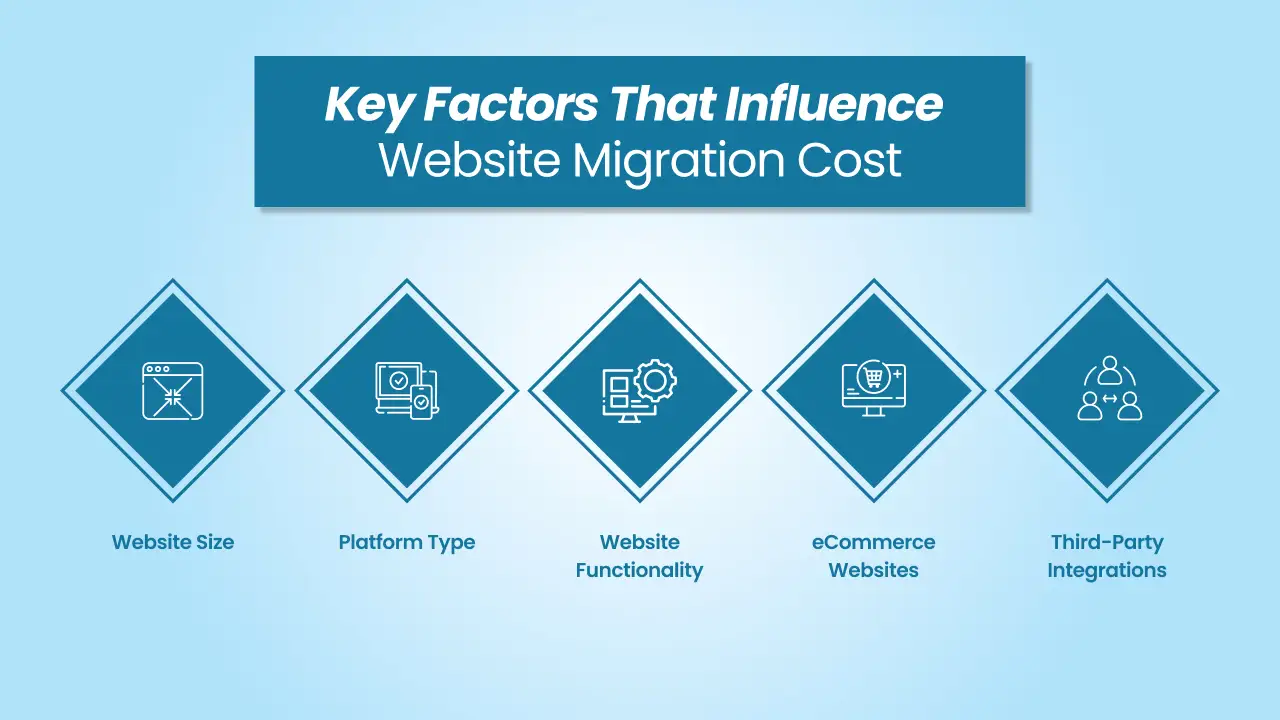
A few important factors that influence the website migration cost are:
-
Website Size
The size of the platform from where the migration has to happen is one of the biggest factors. A small website with a few pages is easier to migrate than a large website with custom functionality and hundreds of pages.
-
Platform Type
The platform involved in the migration equally affects the cost. For instance, WordPress to WordPress is easier, but a WordPress site to Drupal or WordPress to another CMS would take time, resources, and more development work.
-
Website Functionality
Websites with basic features and websites with custom functionality, along with custom plugins and integrations, will cost totally different. If there is custom functionality, developers also have to check the compatibility of the new platform and ensure all features work correctly after the migration.
-
eCommerce Websites
Migrating an eCommerce store is fully different from migrating a normal website. eCommerce migration is more complex as it involves product data, customer information, orders, payment gateways, and shipping settings. All of this has to be transferred carefully.
-
Third-Party Integrations
Various websites have third-party integrations like email marketing platforms, CRMs, Google Analytics, or payment services. Some or all of these integrations may have to be reconfigured during the migration process.
Understanding Website Migration Costs
In website migration, each step has its own cost. In simple terms, the total cost of website migration is divided across various stages of the process. Even though the cost varies depending on the size of the project and several other factors, most migrations have a similar cost distribution.
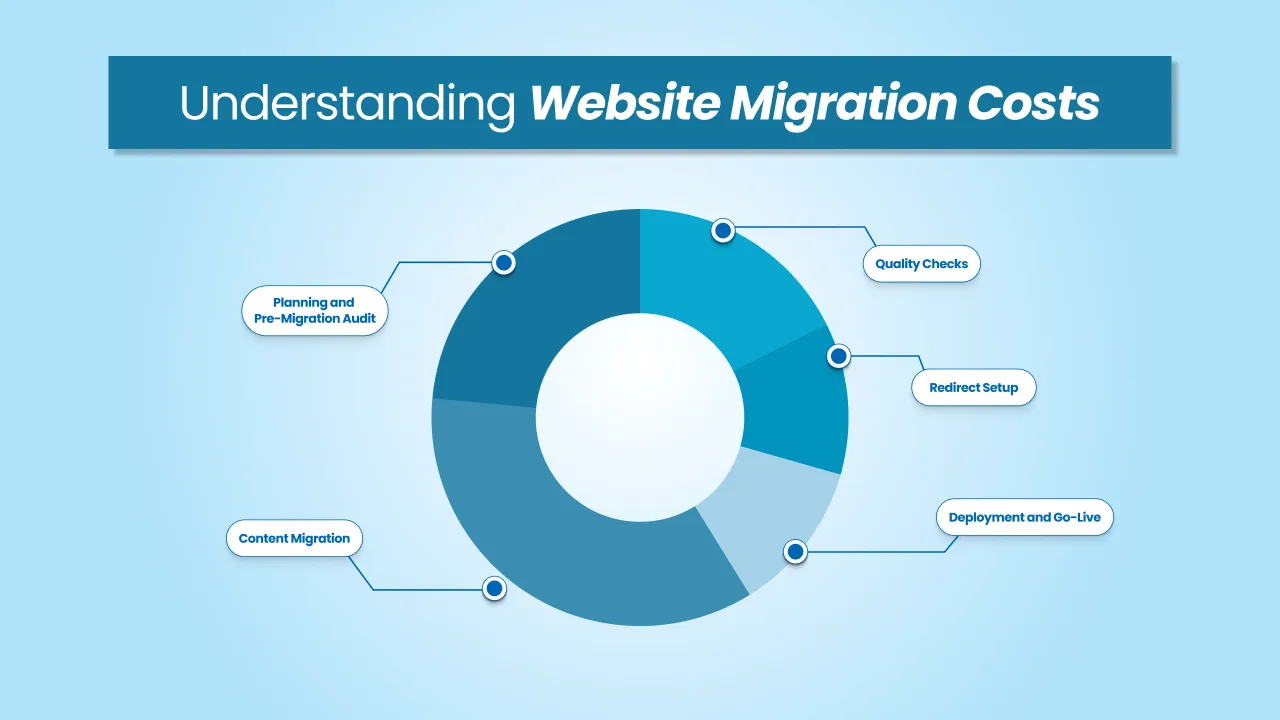
1. Planning and Pre-Migration Audit (10-20%)
The pre-migration stage usually involves reviewing the existing site and understanding how everything is currently set up. For example, developers check the number of pages, plugins, integration, and overall structure.
Plus, developers identify if there are any potential risks like outdated plugins, broken links, or compatibility issues. That’s why proper planning is needed. If you skip this step, your new website may show errors later.
2. Content Migration (20-30%)
Moving website data is a task. This includes files, databases, images, and other media. For websites, it’s usually easy. For large websites with lots of content or complex databases, it needs to be handled with care. We can’t afford to lose or corrupt data.
During this stage, developers also fix layout problems, update code, resolve compatibility issues, and make sure everything works properly. They check if all website elements are in their place.
3. Quality Checks (10-15%)
After migration, the website needs testing. Developers check all pages, forms, links, and integrations. They test the website on devices and browsers. This ensures users get a consistent user experience. A small issue can ruin user experience, so this step is crucial.
4. Redirect Setup (5-10%)
If the website migration changes URLs or structure, redirects must be set up. This directs users and search engines to the pages. Without redirects, websites can lose traffic. So it’s essential to get this right to keep website traffic stable.
5. Deployment and Go-Live (5-10%)
This will be the last stage of the website migration process. Developers will launch your website on the new platform or server, where the website will be monitored for the initial few days. So that if developers identify any potential issues or threats, they are fixed right away.
DIY Website Migration vs. Hiring a Professional
When businesses plan for website migration, they usually have two options. One is that they handle the migration process themselves, and the second is to hire a professional agency or a freelance WordPress developer.
DIY Website Migration
Some businesses choose to migrate their website themselves to save costs. This surely can work if the website is small and does not have advanced issues or complex functionality.
There are also tools and guides available that can help with basic migrations, especially for simple WordPress websites.
Having said that, website migration is easier said than done. Even a small mistake or error can lead to bigger problems like missing data, broken pages, or downtime.
DIY migration can save money in the beginning, but there’s a high probability for it to go wrong. It can take time and may even need technical knowledge to fix problems.
Hiring a Professional
Working with a professional WordPress agency is usually considered safer, as you will be getting a full-fledged team with real experience working with business websites. Agencies follow a structured process. They efficiently handle backups, data transfer, testing, and fixes to make sure the website works properly after migration.
This will reduce the chance of errors, downtime, or data loss. Although it costs more than DIY, working with professionals can save time and prevent issues that may affect your business down the line.
How to Budget for a Website Migration
When businesses plan for website migration, it is highly important to set a realistic budget based on requirements and goals.
The very first step is to understand what type of migration businesses need. A simple hosting migration will cost much less compared to a full-platform or eCommerce migration. So, list down what kind of migration you want.
Next, take a good look at the existing website. Check how many pages you have, what kind of functionality exists, and whether there are any third-party integrations that you want to carry over to the new website.
You should also consider whether the website needs any enhancements during the migration. For instance, some businesses choose to update the design, enhance performance, or remove old content or duplicate content while migrating the website. These changes can affect the final cost of migration.
It is a good idea to keep a small buffer in your budget. Sometimes, no matter how well planned, unexpected issues can come up during migration. This applies especially to the websites that have outdated plugins or complex functionality.
For most businesses, the best way to plan a budget is to discuss requirements and business goals with a professional agency. They will help you understand the scope of work and get a more accurate estimate for your website migration.
Conclusion
Website migration is a technical task, so it can also affect how your website works after the move. If the migration is done correctly, your new website can run better, load faster, and be easier to manage. But if it is not handled carefully, it can result in broken pages, missing data, and other issues.
That is why it is important to plan the migration properly and treat it as more than just moving your website from one place to another.
Work with the cmsMinds team for a smooth and reliable website migration.



