Reviews on





When it comes to building a WordPress website, you’ve got plenty of choices. From the default block editor to popular page builders like Elementor or Divi, the options can feel endless.
But if you’ve ever wanted complete creative freedom and more control over every detail of your design, then Oxygen Builder is your choice.
- Oxygen Builder is a WordPress page builder and theme builder that gives you complete creative freedom to design your entire website.
- It stands out from other builders with clean code, better site speed, and full control over layouts, styles, and templates.
- Key features include a visual editor, dynamic data, custom code support, responsive design tools, and an extensive library of elements and templates.
- Oxygen uses a one-time lifetime license starting at $199.50, making it cost-effective for developers and agencies.
- While it has a learning curve, Oxygen is a great choice for creating professional, high-performance, and fully customized WordPress websites.
So, What is Oxygen Builder Exactly?
In simple terms, it’s a WordPress page builder and theme builder that gives you the tools to design and customize your entire website without being tied to a theme.
Instead of working within the limits of a pre-set layout, Oxygen lets you build incredible websites from scratch or start with pre-built templates and fine-tune them to match your vision.
In this post, we’ll take a closer look at Oxygen Builder, how it compares to other builders, and walk through how you can use it to create professional websites with high performance and responsive design.
Our experts at cmsMinds can help you design and customize professional websites that are fast, flexible, and user-friendly.
Oxygen Builder vs. Other WordPress Page Builders
If you’ve tried different WordPress page builders before, you know each one has its strengths. Elementor, Divi, and Beaver Builder are all popular choices because they come with a friendly visual editor, plenty of templates, and a drag-and-drop approach that works for beginners. But Oxygen Builder takes a different path.
The biggest difference is control. Most builders sit on top of your WordPress theme, which means you’re still working within some restrictions. Oxygen replaces the theme entirely, giving you a blank canvas to design your entire site. This makes it a theme builder as well as a page builder, which is why many developers prefer it.
Another area where Oxygen stands out is performance. Because it outputs cleaner code and avoids unnecessary bloat, websites built with Oxygen often load faster. If you care about site speed and the overall performance of your site, this is a big plus.
Of course, the trade-off is the learning curve. Builders like Elementor or Divi can feel easier for someone just starting out. Oxygen, on the other hand, leans more towards developers and designers who want to fine-tune layouts, work with custom code, or use advanced features like dynamic data and custom fields.
So, if your goal is to create user-friendly sites quickly with pre-built templates and ready-made widgets, a mainstream builder might be the right choice. But if you want complete creative freedom, high-performance websites, and a platform that lets you take control of every pixel, Oxygen is worth considering.
8 Prominent Features of Oxygen Builder
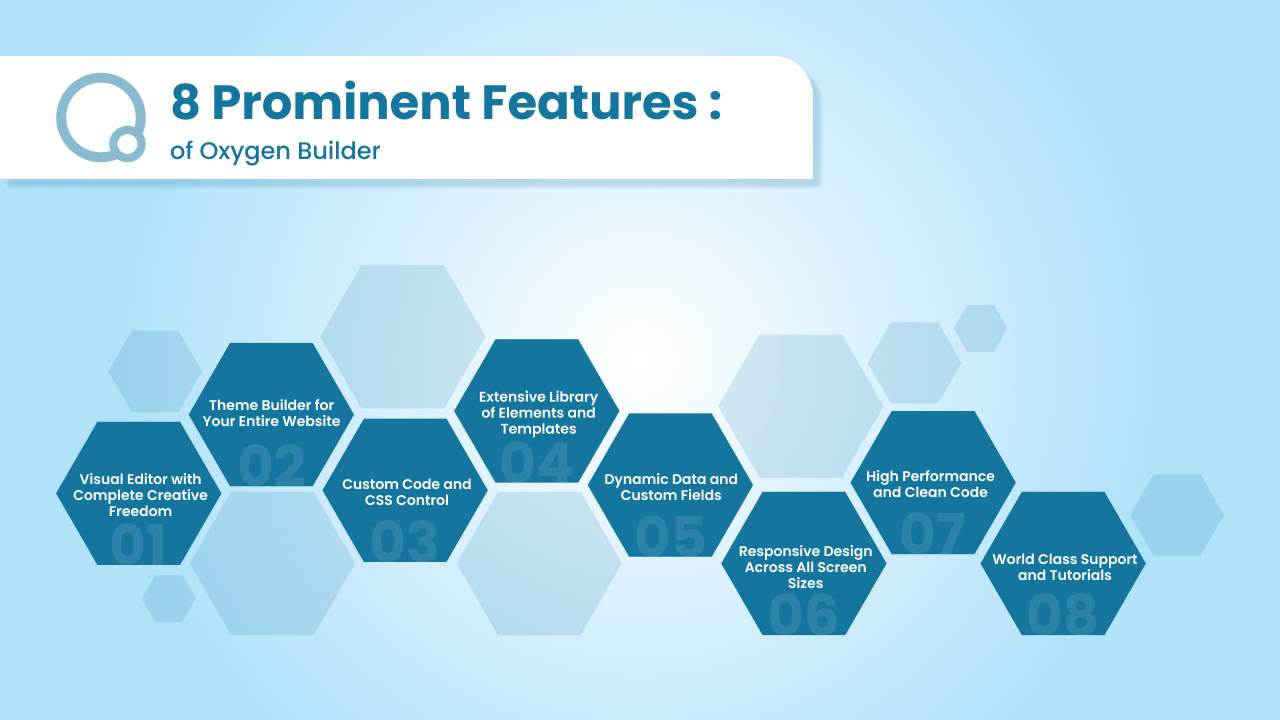
Oxygen Builder comes packed with features that make it more than just another page builder. It gives you both the flexibility of a developer’s toolset and the convenience of a visual editor. Here are some of the highlights:
1. Visual Editor with Complete Creative Freedom
Oxygen’s visual editor gives you complete creative freedom to design in real time. Unlike other builders that confine you to strict rows and columns, Oxygen allows you to create layouts the way you want.
You can easily drag and drop elements, customize styles, and instantly see the results on your screen. This fantastic flexibility gives you a free hand to build stunning, professional websites that reflect your unique style while maintaining user-friendly navigation and structure.
2. Theme Builder for Your Entire Website
Most page builders only let you design single pages or sections. Oxygen goes beyond that by giving you full theme-building capabilities. You can design headers, footers, archive pages, single post templates, and even WooCommerce product pages without relying on a theme.
This all-in-one approach allows you to manage the entire website from one place, ensuring consistency in design and functionality across every page. It’s especially valuable for developers who want full control over site architecture.
3. Custom Code and CSS Control
Another Oxygen’s biggest strengths is its flexibility for developers. If you know CSS, JavaScript, or PHP, you can easily add custom code directly within the builder. This gives you the power to fine-tune designs, build advanced functionality, and go beyond what drag-and-drop alone can achieve.
Instead of being limited by pre-built settings, Oxygen makes it possible to insert your own code while still enjoying the convenience of a visual editor. It’s the perfect mix of power and flexibility.
4. Extensive Library of Elements and Templates
Oxygen comes with an extensive library of pre-built elements like buttons, images, sliders, forms, and menus. These elements can be customized to fit any design.
On top of that, you get access to pre-built templates and reusable components, which save time and speed up the design process. Whether you’re building a simple landing page or an entire website, these tools provide a solid starting point that you can adjust and style to your exact needs.
5. Dynamic Data and Custom Fields
Oxygen integrates seamlessly with popular tools like Advanced Custom Fields (ACF), Toolset, and Meta Box. This means you can pull in dynamic data and display it within your templates.
For example, if you’re building a real estate site, you can connect property listings with custom fields for price, location, or features and have Oxygen display them dynamically.
This level of customization makes Oxygen a great choice for professional websites that require more than just static content.
6. Responsive Design Across All Screen Sizes
With more visitors browsing on mobile devices, responsive design is a must. Oxygen makes it easy to adjust your layouts for different screen sizes. You can switch between desktop, tablet, and mobile views within the builder and fine-tune the design for each.
Whether it’s resizing text, rearranging elements, or tweaking spacing, Oxygen helps you ensure your site looks great on every device. This flexibility means your websites stay user-friendly no matter how people access them.
7. High Performance and Clean Code
Site speed is a critical factor for user experience and SEO. Unlike many other builders that generate heavy, bloated code, Oxygen produces lightweight and clean HTML. This results in faster loading times and improved performance.
A high-performance website doesn’t just please visitors, it also helps boost search rankings and conversions. If you want to build professional websites that perform well under the hood as much as they look good on the surface, Oxygen is the right choice.
8. World Class Support and Tutorials
Oxygen provides detailed documentation, step-by-step tutorials, and an active community where developers and users share tips and best practices. On top of that, their customer support is responsive and helpful, ensuring you don’t get stuck midway through a project.
This support system makes it easier to avoid common mistakes and complete your design process smoothly. Whether you’re just starting out or working on advanced customization, the learning resources and world-class support give you the confidence to build with Oxygen today.
How to Install and Set Up Oxygen Builder in WordPress

Although getting started with Oxygen Builder is pretty simple, it works differently from most page builders, so it’s better to follow the right steps. Here’s how you can install and set it up on your WordPress site.
1. Purchase and Download Oxygen
Oxygen Builder isn’t available in the WordPress plugin repository. You’ll need to purchase it directly from the official Oxygen website.
Once you complete your purchase, you’ll receive a downloadable ZIP file along with your license key. Keep both handy, as you’ll need them for installation and activation.
2. Upload and Install in WordPress
Log in to your WordPress dashboard and go to Plugins > Add New > Upload Plugin. Select the Oxygen ZIP file you downloaded and click Install Now.
Once installed, click Activate Plugin to enable Oxygen on your site. At this point, Oxygen will replace your WordPress theme and take over the design process completely.
3. Enter Your License Key
After activation, you’ll be prompted to enter your license key. This step unlocks the full functionality of Oxygen Builder, including access to updates, pre-built templates, and world-class support. Enter the key you received at purchase and save the settings.
4. Choose How to Start
Oxygen gives you two main options at setup:
- Start with a Blank Installation – Ideal if you want complete creative freedom to build from scratch.
- Use a pre-built website – Great if you want to save time by starting with ready-made templates that you can customize.
Choose whichever matches your comfort level and project needs. Developers often prefer the blank canvas, while beginners find pre-built templates a good way to learn the platform.
5. Familiarize Yourself with the Builder Interface
Open Oxygen’s visual editor to start designing. You’ll see a canvas where your website loads, a left-side panel with available elements, and a structure panel that shows how your layout is organized.
It may look different from other WordPress page builders at first, but once you get familiar with the menus and tools, it becomes a smooth workflow.
6. Begin Designing Your Site
From here, you can insert elements like text, images, or buttons, create layouts, and style everything using Oxygen’s customization options. If you want to fine-tune details, you can add custom CSS or use dynamic data to build flexible templates.
Oxygen also lets you test responsive design directly within the editor so you can adjust for different screen sizes without guesswork.
By the end of this setup process, you’ll have Oxygen Builder fully installed and ready to help you create professional websites with complete creative freedom.
Oxygen Builder Pricing and Licensing
Unlike many other WordPress page builders that run on yearly subscriptions, Oxygen Builder uses a lifetime pricing model. You pay once and get access forever, with updates and support included. This makes it a strong value for developers and agencies who plan to use it across multiple projects.
Lifetime Bundle – $199.50 (One-Time Payment)
This is the main package currently offered by Oxygen. It’s a one-time payment that gives you lifetime access to all features, updates, and premium add-ons. Once you purchase, you’re locked into lifetime pricing, which means no annual renewals or surprise costs down the road.
Here’s what’s included in the bundle:
- Oxygen Classic – The stable version of Oxygen Builder that’s trusted by thousands of developers.
- Oxygen 6 (BETA) – The upcoming version of Oxygen, included for life. (Future standalone price: $399.99)
- Breakdance Elements (BETA) – Normally $49.99/year, but included free for life.
- Breakdance WooCommerce (BETA) – Normally $49.99/year, but included free for life.
- Breakdance Forms (BETA) – Normally $49.99/year, but included free for life.
Why This Pricing Stands Out
- Unlimited websites – You can use Oxygen on your personal projects and client websites without limits.
- Lifetime updates and support – No recurring fees. Once you pay, you continue receiving updates and world-class support as long as Oxygen exists.
- Great value for developers – With add-ons like WooCommerce and advanced elements included, the bundle covers everything you need to build professional websites.
Is It Worth It?
If you’re only building a single website, the price may feel like a big upfront cost compared to annual subscriptions. But if you plan to build multiple websites or run an agency, Oxygen’s lifetime license can save you hundreds of dollars each year while giving you complete creative freedom and advanced features to build high-performance websites.
Conclusion
Picking a page builder for WordPress really depends on what you need. Some tools focus on being beginner-friendly and quick to set up. Oxygen, on the other hand, is built for people who want more control and freedom over how their site looks and works.
It may take a little longer to learn compared to other builders, but the payoff is worth it. You can create layouts that truly match your vision, add custom features, and fine-tune your site’s design without running into limits.
In the end, Oxygen is for those who want to build websites their own way. If you’re serious about creating professional websites that look great and perform well, it’s definitely worth trying.
From layouts to custom features, we’ll work with you to create a stunning WordPress website using Oxygen Builder.