 Reviews on




You need a website, and everyone is telling you different things about how to build it. Some people say use a theme, some say go custom. Which one should you actually pick for your business?
A WordPress theme is the fast route. You find one you like, install it, and then change some colors and text to match your brand. Takes a few weeks and does not cost a fortune. The downside is that a lot of other businesses use the same theme, so your site might end up looking like theirs instead of standing out.
Custom design works the opposite way. You hire someone to design and build your entire site from scratch instead of using a template. Your site looks like your brand, and nothing is generic. The tradeoff is that it takes months to build and costs significantly more money upfront.
At cmsMinds, we are a trusted custom WordPress website development agency, building both kinds of WordPress websites. We have clients who picked a theme and are completely happy with it. We have clients who went custom and say it was absolutely worth the investment. We also have clients who spent too much on custom work when a theme would have solved their problem perfectly. It really comes down to what your business actually needs and your budget.
This post breaks down WordPress theme vs custom website design so you can figure out which approach actually makes sense for your situation.
- WordPress themes get you online fast and affordably. Pick one if you need to launch quickly and your budget is limited.
- Custom WordPress website design costs more upfront, but gives you uniqueness and control. Pick it if you need specific features or plan to scale.
- Many businesses start with a theme and go custom later as they grow. That is a valid approach if you validate your idea first.
- Think long-term about costs. An affordable theme might need expensive add-ons. A custom site costs more initially but might be less expensive over five years.
- Match your choice to your actual needs right now. Do not overspend on custom if a theme works for you. Do not force a theme to do something it cannot.
What is a WordPress Theme?
A WordPress theme is basically a pre-made design for your site. Someone already built it. You install it, and your site instantly has a look and feel and structure. You do not have to design anything from scratch.
Themes come with page layouts already done. Homepage layout, about page layout, services page, contact page, blog page. All of it is already there. You just put your content in and change the colors to match your brand. That is it.
You can find free WordPress themes and premium ones. Some are $30, some are $100, some are more. Platforms like ThemeForest have thousands of themes for different types of businesses, like eCommerce stores, service businesses, portfolios, and blogs. Whatever you are running, there is probably a theme for it.
Installing a theme is easy. You go into WordPress, find the theme you want, click install, and it is done. Your site suddenly has a design. Then you customize it using settings and drag-and-drop builders if the theme has them. No coding is usually required.
The main thing about themes is that they are fast. You go live in weeks, not months. And they are affordable because you are paying for something a bunch of other people use instead of paying someone to design just for you. That is the tradeoff. Speed and cost versus uniqueness.
What is Custom Website Design?
Custom website design or custom WordPress theme means hiring a designer and developer to build your site from scratch, specifically for you. Nobody else has this design. It is not a template. It is built for your business and your business only.
The process starts with discovery. A designer talks to you about your business, your customers, and your goals. They ask questions about what you need the site to do. Then they create designs based on what you told them. You give feedback. They refine it. This goes back and forth until you are happy with the design direction.
Once the design is approved, a developer takes over and builds the WordPress site using code. They turn the design into a working website. They build custom features if you need them. They integrate it with your business tools. They make sure everything works the way you want it to work.
Custom design takes time. It usually takes three to six months from start to finish, depending on complexity. It also costs way more money upfront. You might pay $5,000 to $50,000 or more, depending on what you need built. You are paying for someone’s time and expertise to build something unique.
The advantage is that you get exactly what you want. Your site is not like anyone else’s. It works how your business actually works. If you need special features or integrations, a custom site can do that. A theme might not. You own the code, and you can modify it however you want down the road.
WordPress Theme vs. Custom Website Design: Quick Comparison
| Factor | WordPress Theme | Custom Website Design |
|---|---|---|
| Cost | $0–$200 upfront | $5,000–$50,000+ |
| Timeline | 2–4 weeks | 3–6 months |
| Design Uniqueness | Generic, similar to others | Completely unique |
| Customization | Limited to theme options | Unlimited possibilities |
| Maintenance | Minimal, mostly automatic | Requires ongoing updates |
| Technical Knowledge | Not required | Not required (you hire someone) |
| Speed to Launch | Very fast | Slower |
| Scalability | Limited as you grow | Grows with your business |
| Support | Theme developer support | Developer you hired |
| Ownership | You license the theme | You own the code |
We help you evaluate your business needs, budget, and growth plans to choose the right WordPress approach without overspending or overcomplicating things.
Key Differences Between WordPress Themes and Custom Websites
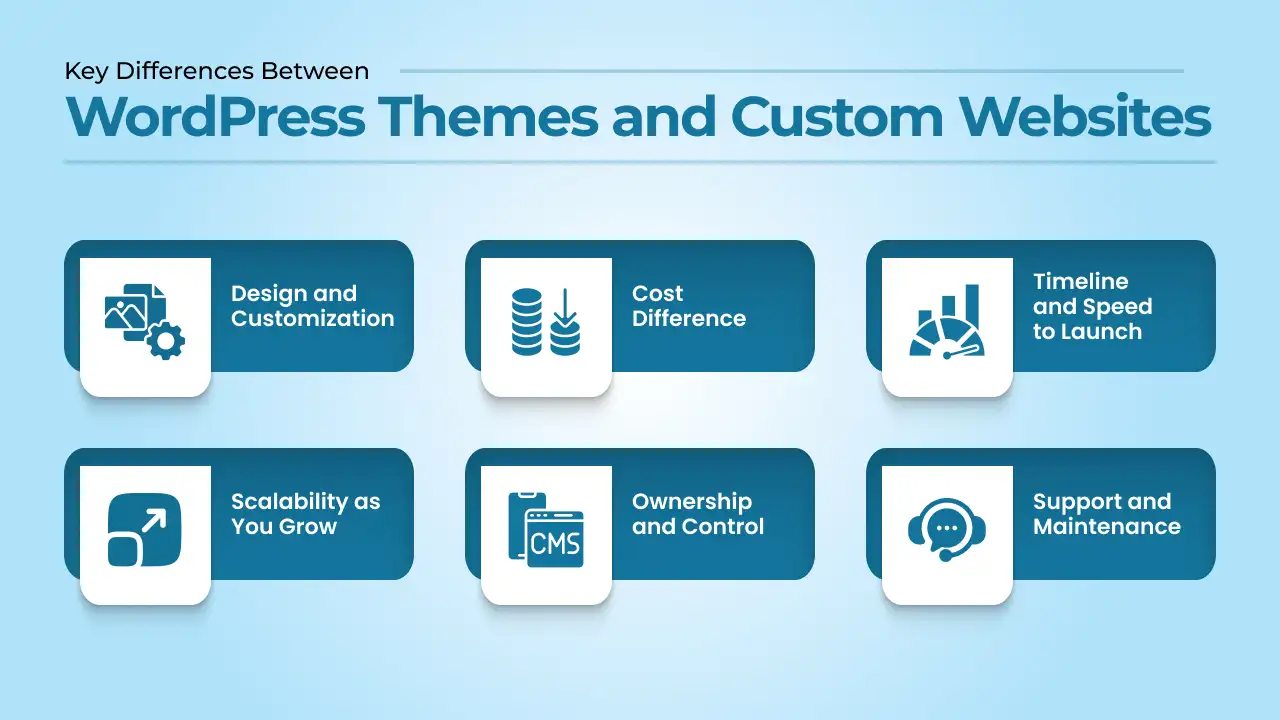
Now, let’s understand how these two approaches differ so that you can make the right choice for your business needs.
1. Design and Customization
A WordPress theme limits what you can do. You can change colors. You can change fonts. You can rearrange some sections. But you cannot completely redesign it. If the theme does not have something you want, you are stuck unless you hire someone to modify it.
Custom WordPress development is different. Your designer builds what you actually need. You want a homepage that looks nothing like other sites? They built it. You need a feature that does not exist in templates? They code it. Your site works how your business works because it was built for you specifically.
2. Cost Difference
Themes are cost-friendly upfront. Free to a couple of hundred dollars. That is it. You might spend more later buying add-ons or hiring someone to customize things, but initially, it does not cost much.
On the other hand, custom costs a ton upfront. Five grand, ten grand, or maybe fifty grand, depending on what you need. You are paying someone to design and build your entire site from scratch. Once it is done, though, you own it, and maintenance gets cheaper over time.
3. Timeline and Speed to Launch
A WordPress theme gets you live fast. You can install a theme and launch a site in two to four weeks. You are not waiting for someone to design and build from scratch. You are just customizing an existing template.
Custom website development takes longer. Three to six months is typical. The designer spends time understanding your business. They create designs. You give feedback. They refine. The developer builds everything. It takes time to do right, but the result is worth the wait.
4. Scalability as You Grow
WordPress themes work fine when you are starting out, but hit limitations as you grow. If your business needs become more complex, the theme might not support what you want to do. You might outgrow it and need to switch to a custom site or a different theme entirely.
Custom websites scale with your business. As you need new features or integrations, a developer adds them. Your site grows and evolves with your business instead of holding you back. You are not limited by what a template can do.
5. Ownership and Control
With a WordPress theme, you license the theme. You do not own it. The WordPress theme developer owns it. They can update it, change pricing, or stop supporting it. You are dependent on their decisions. If they abandon the theme, you might be stuck.
Custom websites mean you own everything. You own the code. You own the design. You own the site. You can modify it however you want. You can hire different developers to work on it. You have complete control and ownership.
6. Support and Maintenance
Theme support comes from the theme developer. If you have questions or problems, you contact them. Some themes have great support, some have minimal support. You are dependent on their support quality.
Custom website support comes from the developer you hired. They are responsible for maintaining your site. They handle updates, security patches, and any issues that come up. You have direct contact with your developer instead of going through a support system.
Pros and Cons of WordPress Themes and Custom Websites
WordPress Themes
| Pros | Cons |
|---|---|
| Launch in weeks, not months | The site looks like many other sites |
| Affordable upfront, free to a couple of hundred | Limited customization beyond settings |
| No coding knowledge required | Unique features need developer help |
| Thousands of options available | Limitations as the business grows |
| Easy to maintain with minimal work | Dependent on the theme developer |
| Large community for support | Multiple plugins can slow site |
| Plenty of documentation | Vendor lock-in if abandoned |
| Good for basic websites | Hard to scale complex features |
Custom Website Design
| Pros | Cons |
|---|---|
| Completely unique design for your brand | High upfront cost $5,000–$50,000+ |
| Unlimited customization possibilities | Takes 3–6 months to build |
| You own the code and have control | Requires clear communication |
| Scalable as business grows | More maintenance and updates are needed |
| Better long-term investment | Hiring the right WordPress developer is critical |
| Direct relationship with the developer | Ongoing costs for new features |
| Handles complex requirements | Requires technical knowledge |
| Better performance when built right | Risk if you hire wrong developer |
When Should You Choose a WordPress Theme?
- You want something to live fast, and you do not have time to wait months. A theme gets you online in weeks. Custom takes forever.
- Money is tight right now. You cannot spend five or ten grand on a website. A theme is non-expensive, so you can launch without breaking the bank.
- Your business is simple. You run a service business or sell a few products. Nothing crazy. The theme handles it just fine. You do not need special features or complicated integrations.
- You want to test something before spending big money. Maybe this business idea will work, maybe it will not. A theme lets you figure it out without betting a fortune.
- You can manage your own site. You are comfortable logging in and changing things. You do not need someone building and maintaining it for you constantly.
- You do not care if your site looks like other sites. You are fine with a professional template. You just want something that works and looks decent.
- You might change direction later. Maybe your business pivots. With a theme, you can switch to a different one without losing everything.
- You are not trying to compete on having the most unique site ever. Your competitors are probably using themes too. You just want to be online and functional.
When Should You Choose Custom Website Design?
- Go custom if your business needs something a theme cannot do. You have specific features or functionality that templates just do not support. A custom site is the only way to get what you actually need.
- Pick custom if you want your site to stand out from competitors. Everyone in your industry uses the same templates. You want to look different and be memorable. Custom design makes that happen.
- Choose custom if you are serious about growth and planning long-term. You are building a business that will scale. You need a site that grows with you instead of hitting limitations. Custom is an investment that pays off.
- Use custom if your brand identity is really important to your business. You have a specific vision for how your site should look and feel. A template will not capture that. Custom design brings your vision to life.
- Go custom if you need integrations with your business tools. Your site needs to connect to your CRM, accounting software, and email system. Complex integrations require custom development.
- Pick custom if you can afford the upfront investment. You have the budget for a proper site built specifically for you. You understand it costs more, but you see the value.
- Go custom if you want to own your site completely. You do not want to depend on someone else’s theme or follow their rules. You want your code, and you want to decide what happens with your site.
- Go custom if you need someone managing your site after it launches. You want a developer who understands your site and can add things or fix things when you need help. That ongoing relationship matters to you.
Cost Breakdown: Themes vs Custom Websites
WordPress Theme Cost Breakdown
| Initial costs: | Ongoing yearly costs: |
|---|---|
| WordPress theme: $0–$200 (one-time) | Domain renewal: $10–$15 |
| Domain name: $10–$15 per year | Hosting: $120–$1,200 |
| Hosting: $10–$100 per month ($120–$1,200 per year) | Theme updates: Included (free) |
| Theme customization: $0–$500 (if you need help) | Occasional add-ons or plugins: $0–$300 |
| Initial setup: Usually included or minimal | Minor tweaks or updates: $0–$500 |
| Total year one: $130–$1,900 | Total per year after first: $130–$2,000 |
Custom Website Design Cost Breakdown
| Initial costs: | Ongoing yearly costs: |
|---|---|
| Custom design: $3,000–$10,000 | Domain renewal: $10–$15 |
| Custom development: $5,000–$40,000 | Hosting: $600–$2,400 |
| Domain name: $10–$15 | Maintenance and updates: $500–$2,000 |
| Hosting: $50–$200 per month ($600–$2,400 per year) | New features or changes: $0–$5,000 (varies) |
| Testing and deployment: Included | Security updates: Usually included |
| Total year one: $8,610–$52,415 | Total per year after first: $1,110–$4,415 |
Five-Year Comparison
- WordPress theme over five years: $650–$10,000 total, depending on add-ons and changes
- Custom website over five years: $12,600–$70,000+ total, depending on maintenance and new features added
Common Mistakes to Avoid
These decisions can cost you time and money if you get them wrong.
- Choosing a theme just because it looks good: A theme might look beautiful in the demo, but work terribly for your actual business. Test the theme first. Build a test page. See how it performs. Check if it has the features you need. Do not just pick based on appearance.
- Going custom when a theme would work fine: Some businesses spend $20,000 on custom design when a $100 theme would have done everything they needed. Be honest about what you actually need. Do not overspend on custom if a theme solves your problem.
- Not considering long-term costs: A budget-friendly theme upfront might require expensive plugins and customizations later. A custom WordPress site costs more initially but might be cheaper over five years. Think long-term, not just the immediate cost.
- Picking a theme based on features you think you might need: You see a theme with 50 features and think you need all of them. You probably do not. Pick a theme based on what you actually need right now, not theoretical future needs you might never have.
- Hiring the wrong developer for custom work: A less expensive developer is not always better. Hiring someone who does not understand your business or builds poor-quality code creates problems. Understand the costs to find the right WordPress developer, not just the cheapest one.
- Not planning for maintenance: Themes need updates. Custom sites need updates and maintenance. Budget for ongoing care after launch. Neglecting your site creates security issues and performance problems.
- Expecting a theme to do what only custom can do: If you need a unique feature or complex integration, a theme probably cannot do it. Do not force a theme to work when custom is the right answer. You will waste time and money.
- Not backing up your site: Whether you use a theme or a custom one, back up your WordPress website regularly. If something goes wrong, backups save you. This applies to both options equally.
Conclusion
WordPress theme vs custom website design is not about which one is better overall. It is about which one fits your situation right now.
Pick a WordPress theme if you need to launch fast and affordably. You want something online quickly without spending a fortune. Themes work great for that. Get online, test your business, and upgrade later if you need to.
Pick a custom website design if you need something specific that templates cannot provide. You want your site to stand out and scale with your business. You have the budget for the upfront investment. Custom builds are worth it when you are serious about growth.
Many businesses start with a theme and switch to custom later as they grow. That is a perfectly valid approach. You validate your idea, get customers, and then invest in a custom site when you have revenue to support it.
The key is being honest about what you actually need right now. Do not overspend on custom if a theme works. Do not force a theme to do something it cannot do. Match your choice to your real situation.
We work with both at cmsMinds. We help figure out which one makes sense for different businesses. If you are not sure which direction to go, contact us. We can talk through your situation and point you in the right direction.
Tell us your goals, and we will recommend whether a theme or custom website makes more sense—based on your business, not a one-size-fits-all approach.



