 Reviews on


Sitecore is a powerful CMS option. In fact, many enterprise-level organizations use it for complex websites. But slowly over time, it becomes costly and hard to manage.
We are not talking about just the cost of licensing here. The cost is also about infrastructure, ongoing development, and upgrades. For some businesses, upgrades honestly feel like rebuilding parts of their website again.
There are also different versions of Sitecore to deal with. For instance, Sitecore XM Cloud offers a more modern experience, but many businesses are still using the older Sitecore setup, which is Sitecore’s legacy systems. It’s not that they don’t want to move. Moving from those older versions means likely another upgrade or possibly a migration before making improvements.
Usability is another challenge. Managing content is not always easy, and marketing teams usually depend on the development team even for small changes.
Also, finding expert Sitecore developers can be both difficult and expensive. Now, this adds extra cost to the overall maintenance of the platform.
This is why several businesses begin looking for better CMS platforms that are far easier to manage and more cost-effective.
WordPress is the number one option. It is super flexible, easy to use, and the platform is supported by a large community.
In this beginner’s guide, we will explain what it takes to migrate from Sitecore to WordPress, the challenges involved, and what businesses should expect during the process.
- Sitecore can be costly and hard to manage over time.
- Many businesses switch to WordPress for easier use and lower costs.
- Migration requires planning, rebuilding, and moving content carefully.
- The cost and time depend on the size and complexity of the website.
- Working with experienced developers helps minimize downtime and errors.
What is Sitecore and Why Businesses Use it At All?
Sitecore is usually used by large organizations that need more control over their website. It works really well for websites that have a lot of content or different types of users.
For example, businesses can show different content to different visitors based on what they do on the site. And because of this, Sitecore is often used for complex setups where content, users, and permissions are all connected.
Having everything said that, it’s not the easiest CMS platform to work with. Whether it’s updates, content changes, or even the slightest task, businesses need developer support. This is why businesses normally have a full dedicated team to manage the website.
Why Businesses Migrate from Sitecore to WordPress
We have covered a few reasons as to why businesses move from Sitecore to WordPress in the introduction. Let’s dig a little more into the section.

1. High Cost of Sitecore
Sitecore is not only expensive to set up, but it is also costly to maintain. Like there are licensing fees, infrastructure costs, and ongoing development work. Even small changes require a developer’s support, and this adds to the overall cost of maintenance.
2. Complexity
For non-technical personnel, Sitecore can be quite hard to manage. We have seen clients who needed dedicated developers to handle content updates, fix error pages, and manage the entire platform. This just makes simple day-to-day work complicated, slower, and more dependent on the development team.
3. Flexibility and Ease of Use with WordPress
As a company that has been working on the WordPress platform for the last 15+ years, WordPress is much easier to work with for most businesses. Content can be updated without technical help, and making changes to pages or layouts is simple. All of this gives businesses more control over their website.
4. Faster Development
With WordPress, businesses can quickly build and launch websites. And updating the platform is just a walk in the park. Whether it’s adding new pages, making design changes, or improving functionality, the development time is much shorter when compared to other complex content management systems.
Is WordPress a Good Alternative to Sitecore?
“There are so many content management systems, why should I go for WordPress?” One of the frequently asked questions at cmsMinds. We are going to tell you the same thing we tell our clients.

WordPress can be a good alternative to Sitecore, but it totally depends on what your business needs. Both platforms are capable, but they are built for different use cases.
1. Usability
WordPress is just easy to use, at least for most teams. Content updates, page edits, and basic changes in the website can be done without a developer’s assistance. Sitecore, on the other hand, is not so easy. It often requires developer support for many tasks, especially on older setups.
2. Cost
WordPress is widely considered a cost-effective option. The software is free, and development costs are considerably lower. Sitecore needs licensing, infrastructure, and higher development costs, which can add up over time.
3. Scalability
Both platforms can handle large websites. Sitecore is made for enterprise-level setups with super complex requirements. At the same time, WordPress can also scale well when built properly, but it may require the right architecture and hosting setup.
4. Customization
Same with customization. Both Sitecore and WordPress offer strong customization options. Neither of the platforms backs down. Sitecore allows deep customization, but it usually requires experienced developers. WordPress also supports custom development and has quite an extensive plugin ecosystem, which help extend the website’s functionality.
Work with cmsMinds to move your website to WordPress without delays and issues.
What Does the Sitecore to WordPress Migration Involve?
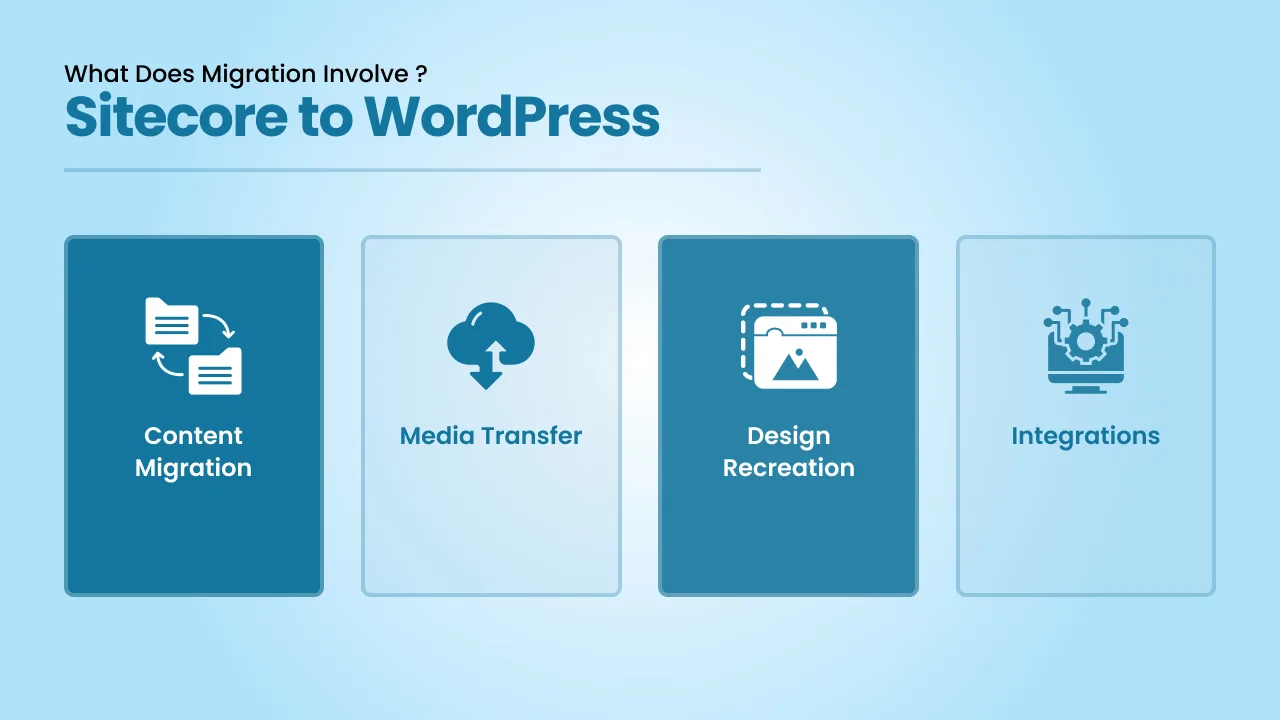
Migrating from Sitecore to WordPress is more than just moving content from here to there. It involves rebuilding parts of the website so everything works properly in the new WordPress setup.
-
Content Migration
The very first step is moving your content from Sitecore. Content usually includes pages, blog posts, and other written content. It’s better to clean up or restructure the content in the Sitecore platform so it fits properly into WordPress.
-
Media Transfer
Images, videos, and other media files also need to be moved. It’s a simple step, but definitely an important one to make sure everything looks right after the migration.
-
Design Recreation
Although both platforms are content management systems, not all features work the same way. So what developers do is they identify the features used in Sitecore and then recreate or replace them in WordPress so the website functions properly.
-
Integrations
Tools like CRM systems or analytics need to be connected again in WordPress. They don’t move over automatically, so a quick check is usually needed.
Key Challenges in Sitecore to WordPress Migration
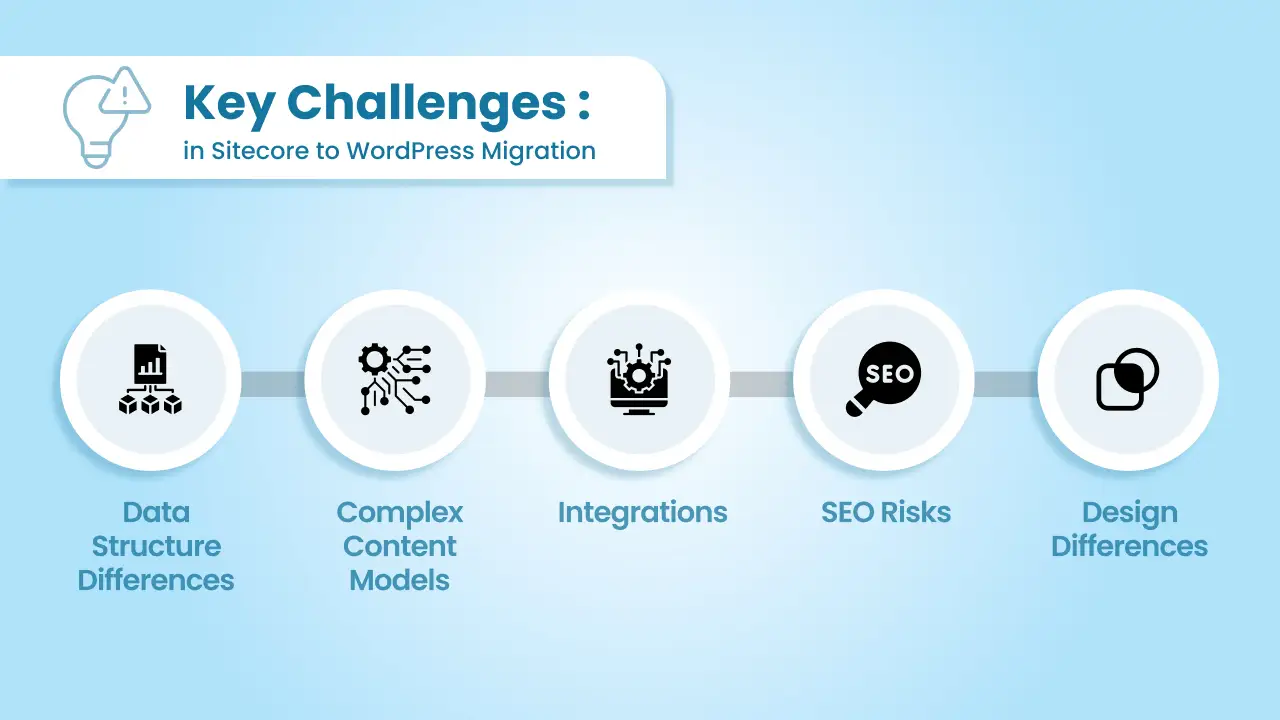
Since both are content management systems, many businesses think moving from Sitecore to WordPress is a simple process. But it’s not. In the migration process, there are a few areas where things can get a little tricky.
1. Data Structure Differences
Even though both are CMS platforms, the way they store content is very different from each other. And because of this, content doesn’t always move over in a clear format. In other terms, some parts may need to be adjusted or reorganized so the content fits properly in WordPress.
2. Complex Content Models
There are so many clients of ours whose websites were built with complex content setups. When developers move the site to WordPress, they often simplify or rebuild these structures. This process takes some good planning to make sure nothing important is lost.
3. Integrations
Most websites are often connected to tools like CRMs, booking systems, or other systems. You cannot carry over these connections; it’s simply impossible. They need to be set up again and adjusted based on how WordPress handles them.
4. SEO Risks
During the migration process, things like URLs, page structure, and metadata can change. This step has to be handled carefully, as this can impact search engine rankings. That’s why redirects and basic SEO checks are essential during the process.
5. Design Differences
Even designs from Sitecore cannot be transferred to WordPress. Developers have to rebuild the layout and structure. Some businesses use this opportunity to improve the design rather than just keeping as it is.
Choosing the Right Sitecore to WordPress Migration Approach
When it comes to migration, there are three ways to do it. The approach you choose mostly depends on the size of the website, how complex the content is, and how much customization is involved.

1. Manual Migration
Manual migration means moving everything page by page yourself. You copy from the Sitecore website and paste it into the new WordPress website setup. Manual migration is more suitable for smaller websites or when content needs a cleanup before the new website is made live.
Businesses get more control over how content is structured in WordPress during manual migration. But this process will take time. Especially for larger websites, manual migration is a slow and tedious process and needs to be handled carefully to avoid errors.
2. Automated Migration (Tools and Scripts)
For eCommerce or enterprise-level websites, automated tools or custom scripts are used to move content. What these tools do is they help transfer copious amounts of data quickly, including pages, media, and structured content.
Scripts can also be written to map Sitecore data to WordPress fields. But then, even automation is not always perfect. Everything after the transfer still needs to be reviewed, and some parts of the website may require manual adjustments after the migration.
3. Hybrid Approach
In ideal cases, a combination of both approaches can be used. Let’s say, content is moved using scripts or tools, and design, structure, and complex parts are handled manually. This way, the process becomes faster without losing control over quality.
The hybrid approach works just fine for websites with custom functionality, integrations, or complex content models. Even in a hybrid approach, there is some amount of technical work involved, and that’s why many businesses prefer to work with a WordPress web development agency. It helps reduce errors, speeds up the process, and ensures the website works properly after migration.
Sitecore to WordPress Migration Process
It’s recommended to follow a structured process when migrating from one platform to another. Because migration is not just about moving content. It takes a lot of planning and rebuilding to make sure everything is migrated and works properly in the new setup.

1. Audit the Existing Website
The very first is to understand how your existing Sitecore website is built. Like reviewing page types, templates, components, media, and integrations, URLs, metadata, and overall structure are also to be checked carefully.
See what can be moved, what can be improved, and what can be removed. So that you are not carrying over unnecessary things to the new website.
2. Content Mapping and Planning
Before you move anything, first map the content properly. Since both platforms are not built the same way, Sitecore structures don’t directly match WordPress. So each piece of content should be planned well in advance. This includes deciding how pages, blogs, and other content will be organized in WordPress.
3. Setting Up WordPress Environment
You need to prepare the WordPress setup. From installing WordPress, configuring hosting, and setting up themes to organizing the base structure for content, everything will be done in this step. You can also configure basic settings like permalinks and user roles.
4. Design and Theme Development
The design you had in Sitecore will be recreated in WordPress. Either it can be a direct rebuild or an improved version of the existing design. The point of having a custom theme is to match the required layout and functionality. Plus, reusable sections and components need to be built to make updates easier later.
5. Data Migration
Once the structure is ready, the content is moved. There are two ways to do this: one is to do it manually or second is through scripts. It mostly depends on the size of the website. Content is also cleaned and adjusted where needed so it fits properly into WordPress. In this step, media files are added and linked correctly.
6. Functionality and Integrations
All features and functionality from the Sitecore website are recreated in the new WordPress setup. This means forms, custom functionality, and any third-party tools the old website has like Google Analytics, the new website will have too. Everything is set up again in WordPress and adjusted if needed.
7. Testing and Quality Checks
It’s time to test the new website. Pages, internal links, forms, and integrations are thoroughly checked. The website is also tested on different devices and browsers for a consistent user experience. Ensure there are no broken links, missing content, or layout issues. Even if they do, they can be fixed here.
8. Launch and Post-Migration Checks
Once thorough testing is complete, the website is launched. Redirects are set up to prevent SEO issues like a search engine ranking drop. Also, the website is monitored after going live. Any small issues that are identified can be easily fixed in this phase.
Sitecore to WordPress Migration Cost
The cost of website migrating from Sitecore to WordPress totally depends on how large and complex your website is. The range can be anywhere from $3,000 to $30,000 or more. Yes, the range is quite broader.
Smaller websites with simple content and basic features are quicker and cost less too. Whereas larger websites with custom features, advanced functionality, third-party integrations, and complex structures often take a lot of time and resources. That’s why they cost more, too.
Design changes can also increase the cost if you want to update the look of the website during migration. Another big factor is how migration is handled. Whether it is being done manually, through tools, or a mix of both.
No two websites are the same, and that’s why the final or accurate cost of migration can only be known after reviewing the project in detail.
Why Work with a WordPress Migration Agency
Sitecore to WordPress migration is not just about moving content. It involves planning, rebuilding parts of the website, and making sure everything works properly after the move.
Also, working with a WordPress website migration agency helps because they have years of experience handling different types of websites and migration scenarios. So the probability of errors, data issues, or random things breaking after launch will be low to minimum.
At cmsMinds, we have worked on a range of migration projects, so we understand where things possibly can go wrong and how to handle them properly.
Get a clear process, timeline, and cost for your website


